Best Apps to Monitor Bank Balances

10 Best Apps to Monitor Bank Balances & Manage Finances
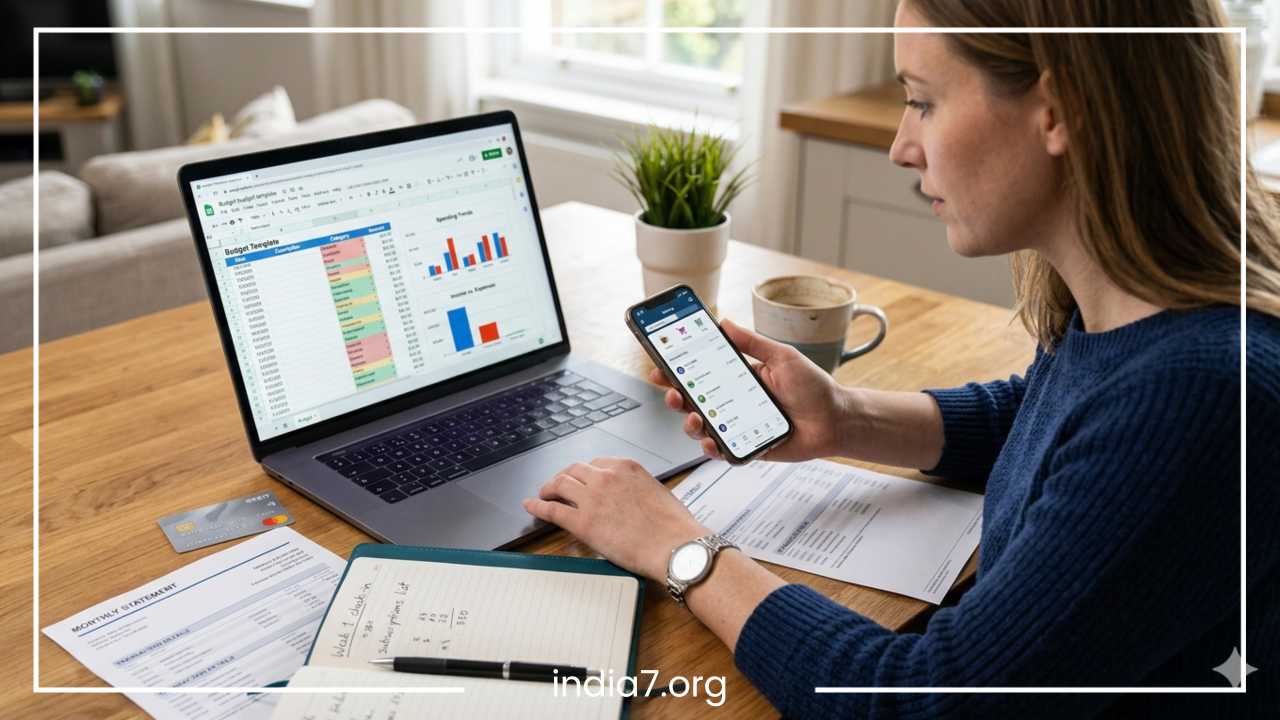
Managing multiple bank accounts, tracking daily expenses, and keeping up with monthly subscriptions can feel like a full-time job. In the modern era of digital banking, the traditional way of logging expenses into a manual spreadsheet is no longer efficient. As financial lives become more complex, the demand for automated solutions has led to the rise of sophisticated finance monitoring apps.
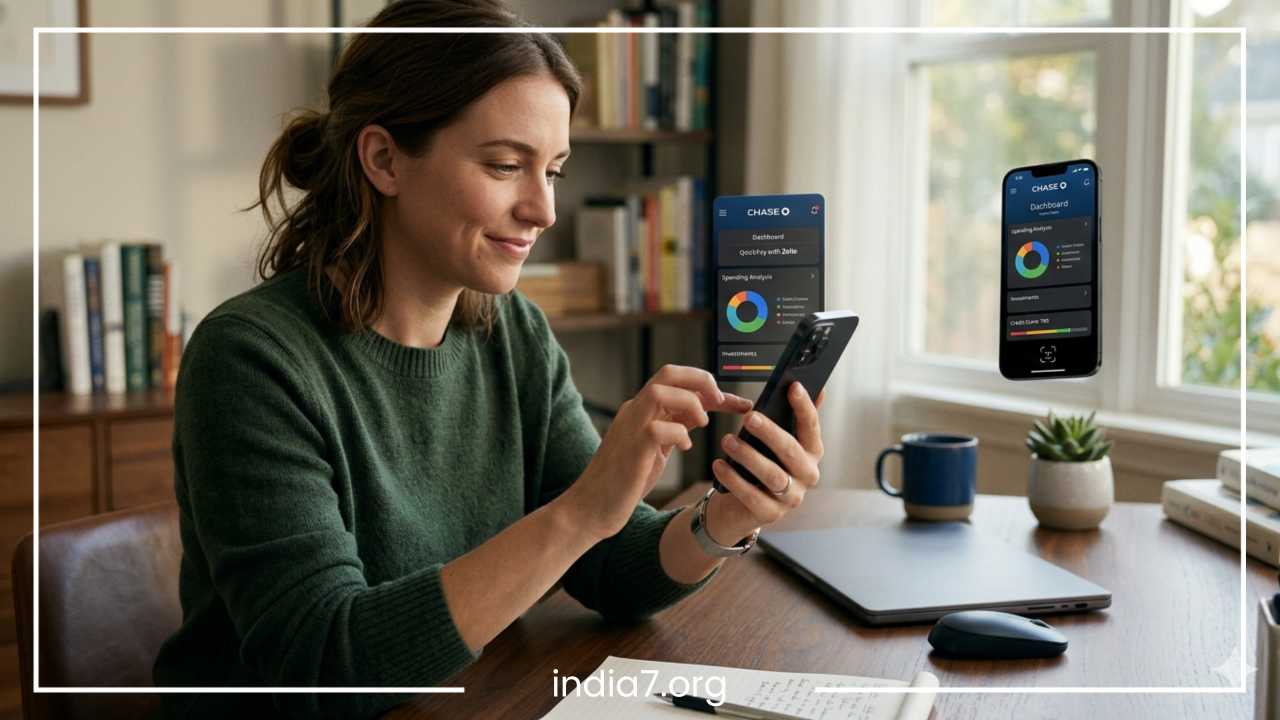
These tools do more than just show a balance; they provide a comprehensive view of your financial health. From real-time spending alerts to automated budgeting and long-term investment tracking, the right app can transform your relationship with money. Whether you are dealing with credit card debt, trying to save for a major purchase, or simply wanting to see where your money goes each month, a dedicated finance app offers the clarity needed to make informed decisions.
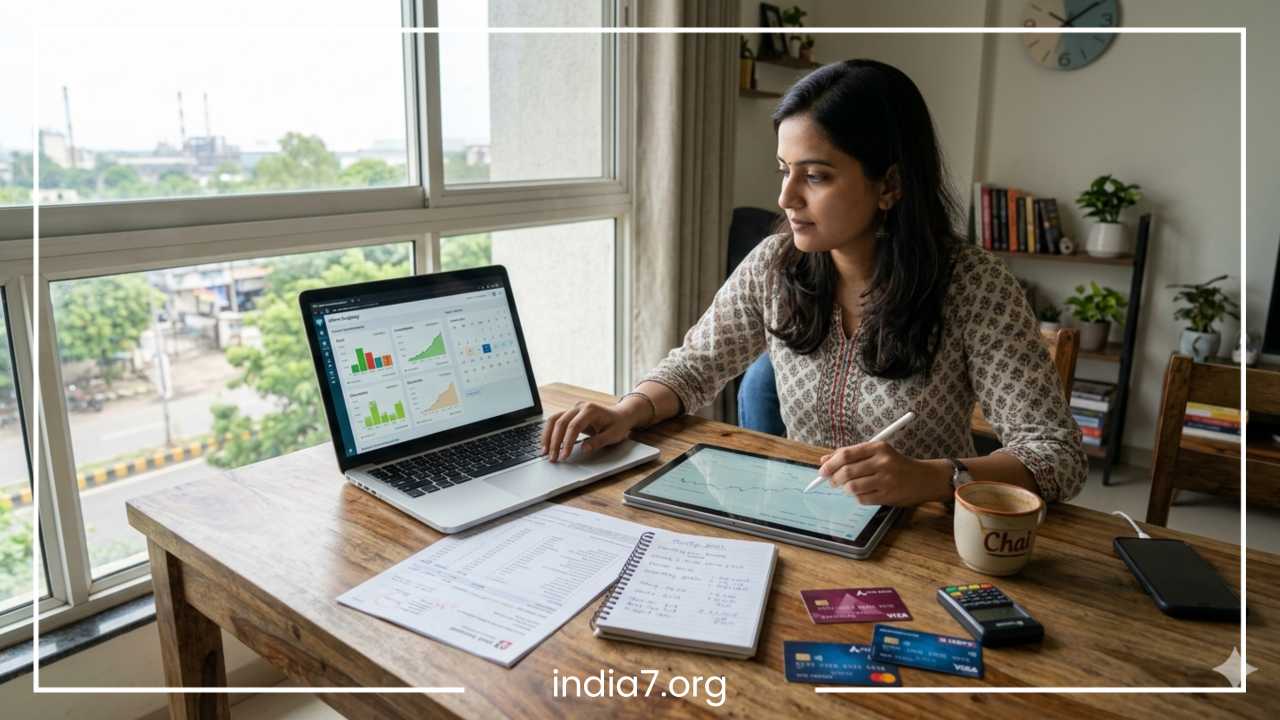
The transition from physical ledgers to digital dashboards has been accelerated by the rise of mobile banking and the Unified Payments Interface (UPI). Today, a single person may have a salary account, a secondary savings account, multiple credit cards, and various digital wallets. Without a centralized hub, it is nearly impossible to calculate your true net worth or understand your monthly burn rate. Digital finance apps bridge this gap by aggregating data into a single, readable interface.
Read: 3 Top Tips On Financial Management To Have a Control On Your Money
What Makes a Good Finance Monitoring App?
Before selecting a platform to manage your hard-earned money, it is essential to understand the core features that distinguish a premium tool from a basic one. A high-quality finance app should act as a digital command center, offering both security and functionality.
Security Features
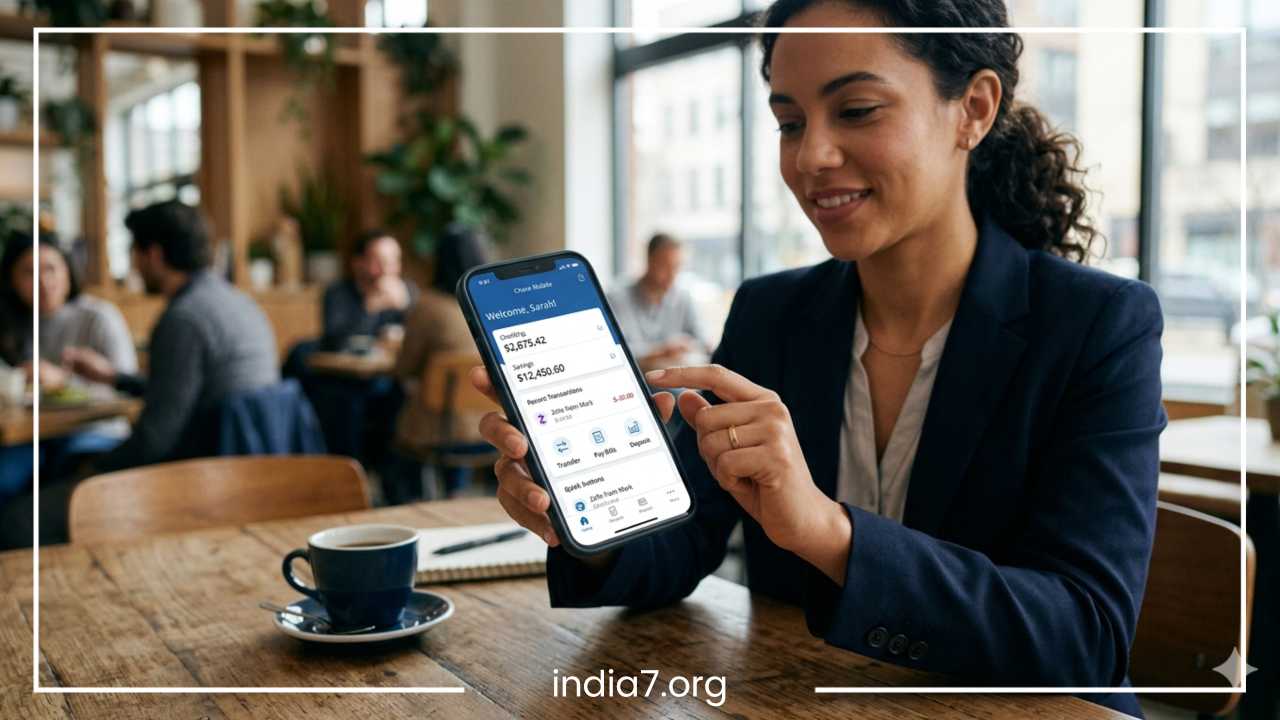
Since these apps often connect directly to your financial institutions, security is the top priority. Look for apps that offer bank-level 256-bit encryption. Furthermore, the app should support multi-factor authentication (MFA) and biometric logins, such as fingerprint or facial recognition, to ensure that only you can access your data. Most reputable apps also undergo third-party security audits to ensure their systems are resilient against modern cyber threats.
Bank Integration and Connectivity
A truly effective monitoring tool must support a wide range of integrations. This includes traditional bank accounts, credit cards, investment portfolios, and digital wallets. The technology behind this—often powered by services like Plaid or Salt Edge—allows the app to “talk” to your bank securely. For users in specific regions like India, support for UPI tracking and SMS-based expense logging is a significant advantage, as it captures transactions that might not show up immediately in a traditional bank feed.
Automation and Categorization
The primary benefit of using an app is the reduction of manual labor. The best apps automatically pull transaction data and categorize it into groups like groceries, utilities, or entertainment. Machine learning algorithms within these apps learn from your habits; for example, if you frequently shop at a specific grocery store, the app will eventually recognize that merchant and categorize the expense without your intervention. This allows you to see spending patterns without having to type in every single purchase.
Budgeting and Goal Setting
Effective money management requires looking forward, not just backward. A good app allows you to set monthly spending limits for various categories and provides alerts when you are nearing those limits. Features that track progress toward specific savings goals—like a vacation fund or an emergency fund—help keep users motivated by visualizing their progress.
Read: Finding Affordable Medical Insurance
Quick Comparison Table
| App | Best For | Pricing Model | Key Feature |
| Quicken Simplifi | All-in-one tracking | Paid Subscription | Clean dashboard & bill tracking |
| YNAB | Strict budgeting | Paid Subscription | Zero-based budgeting system |
| PocketGuard | Simple spending | Free / Premium | “In My Pocket” spendable cash |
| Empower | Wealth & Investments | Free | Net worth & retirement tools |
| axio (Walnut) | Indian users | Free | SMS-based automated tracking |
| Monarch Money | Customization | Paid Subscription | Collaboration & net worth sync |
| Rocket Money | Subscriptions | Free / Premium | Cancels unwanted services |
| Goodbudget | Traditionalists | Free / Premium | Digital envelope system |
| Spendee | Shared finances | Free / Premium | Shared wallets for families |
| Money Manager | Visual learners | Free / Premium | Detailed charts and graphics |
Best Apps to Monitor Bank Balances and Manage Finances
Quicken Simplifi
Quicken Simplifi has emerged as one of the most balanced tools for modern users. It offers a streamlined interface that focuses on your “spending plan” rather than just a rigid budget. The app excels at identifying recurring bills and subscriptions, ensuring you are never surprised by an automatic withdrawal. Its strength lies in its simplicity; it provides a high-level view of your bank balances while allowing for deep dives into specific spending categories.
The app’s “watchlists” feature allows you to keep an eye on specific categories where you tend to overspend, such as dining out or online shopping. For those who want an automated experience that feels fresh and intuitive, Simplifi provides a sophisticated solution that removes the clutter often found in legacy financial software.
YNAB (You Need A Budget)
YNAB is more than just an app; it is a financial philosophy. Based on the principle of zero-based budgeting, it requires you to “give every dollar a job.” Instead of looking at what you spent last month, YNAB focuses on what you have in your bank account right now and how you plan to use it before your next paycheck. This proactive approach forces users to prioritize their spending and save for “true expenses”—those infrequent but predictable costs like car insurance or annual subscriptions.
While it has a steeper learning curve than most apps, its users often report significant debt reduction and increased savings. The YNAB community is vast, offering workshops and support to help users stick to their goals. It is ideal for individuals who want to take a proactive, disciplined approach to their bank balances and are willing to engage with their finances daily.
PocketGuard
If your main concern is knowing how much money you can spend without overdrawing your account, PocketGuard is an excellent solution. The app links all your bank accounts and credit cards, then subtracts your upcoming bills, goals, and current spending to show exactly how much “In My Pocket” cash you have left. This real-time balance monitoring helps prevent impulse buys and keeps you within your limits.
PocketGuard also features an “In My Pocket” algorithm that calculates your disposable income after accounting for all financial obligations. The interface is clean and avoids the clutter of more complex financial software, making it perfect for beginners who need a straightforward “green light” or “red light” for their daily spending.
Goodbudget
For those who prefer the traditional “envelope system” of budgeting but want a digital version, Goodbudget is the answer. It allows you to divide your income into specific “envelopes” for categories like rent, groceries, and dining out. When you spend money, you deduct it from the corresponding envelope. This method is highly effective for people who struggle with digital spending and need a more tactile sense of their limits.
Unlike many other apps on this list, Goodbudget is often used for manual entry, which can help users become more mindful of their spending habits. It also offers excellent syncing capabilities, allowing couples or families to share a budget across multiple devices. This ensures that everyone is on the same page regarding how much money is left in the “Dining Out” envelope for the month.
Empower Personal Dashboard
Empower, formerly known as Personal Capital, is the premier choice for users focused on long-term wealth and investment tracking. While it monitors daily bank balances and spending, its real power lies in its investment tools. It provides a free net worth tracker, a fee analyzer for your retirement accounts, and an investment checkup tool.
The dashboard offers a high-level view of your asset allocation, helping you see if you are too heavily weighted in one sector. For users who have multiple brokerage accounts and want to see their entire financial picture—from the cash in their checking account to the equity in their home—Empower offers a professional-grade suite of tools at no cost. It is particularly useful for those who are in the “wealth accumulation” phase of their lives.
axio (formerly Walnut)
For users in India, axio is a standout choice due to its unique ability to track expenses via SMS notifications. Since many Indian banks and merchants send transaction alerts through text, the app can automatically categorize your spending without requiring a direct login to your bank’s API. This provides an extra layer of privacy while still offering a detailed view of your bank balances, credit card dues, and even your digital wallet spends.
axio also excels at identifying “hidden” expenses like ATM withdrawals and small UPI payments that often go untracked. It includes features for tracking utility bills, reminding you of upcoming credit card payments, and even splitting expenses with friends after a group dinner. For the mobile-first Indian consumer, it is an indispensable tool for financial clarity.
Money Manager
Money Manager focuses on the visual aspect of finance. It turns your bank balances and transaction history into easy-to-read charts and graphics. If you find that long lists of numbers are overwhelming, the visual breakdowns in this app will help you identify where your money is going. You can view your spending by category, by date, or even by account type.
The app allows for both automatic and manual entry, making it a flexible choice for people who might have cash-heavy spending habits. The app also includes a “bookmark” feature for frequently used transactions to speed up the logging process. Its PC editing function allows users to manage their data on a larger screen, which is helpful for deep monthly reviews.
Spendee
Spendee is highly regarded for its beautiful design and its “shared wallet” feature. This makes it an ideal choice for couples, roommates, or families who need to monitor a joint bank balance or shared household expenses. The app supports multiple currencies, which is a great benefit for frequent travelers or expats who manage accounts in different countries.
By connecting your bank accounts, you get a real-time feed of your finances, but you can also create manual wallets for cash spending. The shared nature of the app promotes transparency and helps groups work toward collective financial goals. The “Travel Wallet” feature is particularly useful for tracking expenses during a vacation, ensuring that everyone stays within the trip’s budget.
Monarch Money
Monarch Money was designed to be a comprehensive, all-in-one financial headquarters. It offers a highly customizable dashboard where you can track your net worth, investments, and daily spending all in one view. One of its standout features is the ability to collaborate with a partner without having to share login credentials; both users get their own login but see the same financial data.
Monarch also provides advanced forecasting tools, helping you see how your current spending habits will affect your bank balances months or even years into the future. It is a premium product built for those who want a holistic, long-term view of their financial life. Its recurring transaction view is one of the best in the industry, making it easy to spot price hikes in your monthly bills.
Rocket Money
Rocket Money gained popularity for its ability to identify and help cancel unwanted subscriptions. Many people lose track of monthly charges for streaming services, gym memberships, or software they no longer use. Rocket Money scans your bank balances and transaction history to flag these recurring costs and can even handle the cancellation process for you.
Beyond subscription management, it offers robust spending tracking, net worth monitoring, and even a bill negotiation service that attempts to lower your cable or internet bills. It is an excellent “cleanup” tool for anyone who feels their monthly expenses have become bloated and wants to find immediate savings.
Read: Insider Tips on How You Can Apply For Quick Cash Loans?
Best Apps by Use Case
Selecting the right app often depends on your specific financial goals and the complexity of your financial life.
Best for Beginners
PocketGuard and Rocket Money are excellent starting points. They offer automated features that do most of the heavy lifting, providing a clear picture of your finances without requiring a deep understanding of accounting principles. They focus on the “now”—how much can I spend today?
Best for Budgeting
YNAB remains the gold standard for those who need to get their spending under control. Its methodology is proven to help users break the paycheck-to-paycheck cycle and build a significant buffer in their bank accounts.
Best for Indian Users
axio is specifically tailored for the Indian ecosystem, handling SMS-based tracking and UPI payments more effectively than most international competitors. Its ability to read bank alerts locally on the device makes it a favorite for privacy-conscious users.
Best for Long-term Wealth
Empower is the top choice for those who care more about their investment portfolios and net worth than daily grocery budgets. It is the best tool for seeing how your bank balances contribute to your overall financial independence.
Best for Families and Couples
Spendee and Monarch Money provide the best tools for collaborative finance, allowing multiple people to contribute to a shared financial plan without the friction of manual spreadsheets.
Security and Privacy Concerns
Entrusting an app with access to your bank balances is a significant decision. It is natural to wonder if these platforms are safe. Most reputable finance apps use “read-only” access. This means they can see your transactions and balances to organize them, but they cannot move money, make payments, or alter your account in any way. They are like a mirror—they reflect your data but cannot touch it.
How Data Encryption Works
Apps use Advanced Encryption Standard (AES) 256-bit encryption, which is the same level of security used by major global banks and military organizations. This ensures that even if data were intercepted, it would be unreadable. Furthermore, most apps do not store your bank credentials on their own servers; instead, they use secure tokens provided by the bank or an aggregator.
Risks of Third-Party Aggregators
While services like Plaid are highly secure, using any third party creates an additional point of entry. It is important to read the privacy policy of any app you use. Ensure they do not sell your personal financial data to advertisers. The best apps monetize through subscription fees or by offering financial products, rather than selling your private spending habits.
Tips for Maintaining Security
-
Avoid Public Wi-Fi: Never check your finance apps or link new bank accounts while on public, unsecured Wi-Fi networks in cafes or airports.
-
Enable Two-Factor Authentication: Always use an extra layer of security, such as a code sent via an authenticator app or SMS, in addition to your password.
-
Use Official Apps Only: Download apps directly from the official Apple App Store or Google Play Store to avoid counterfeit software.
-
Regularly Review Permissions: Every few months, go into your bank’s security settings and review which third-party apps have “read” access to your accounts. Revoke access for any you no longer use.
How to Choose the Right App
With so many options available, the best way to choose is to identify your primary financial pain point. Financial management is not one-size-fits-all; a student needs different tools than a retiree or a small business owner.
Identify Your Primary Goal
-
If you are drowning in subscriptions: Choose Rocket Money. It will pay for itself by finding the $15 a month you’re paying for a service you forgot existed.
-
If you want to grow your investments: Choose Empower. It will show you if your bank balance is better served being moved into a high-yield account or a brokerage.
-
If you need to stop overspending: Choose YNAB or PocketGuard. These apps act as a “speedometer” for your spending, telling you when to slow down.
-
If you want a shared household budget: Choose Spendee. It reduces the friction of asking “how much did we spend on groceries this week?”
Automation vs. Manual Control
Consider whether you prefer automation or manual control. Automation saves time but occasionally miscategorizes transactions (e.g., labeling a pharmacy purchase as “Health” when you only bought a snack). Manual entry takes effort but keeps you highly aware of every cent you spend. Most modern users find that a hybrid approach—using an app that automates most tasks while allowing for manual tweaks—provides the best results for long-term habit formation.
Cost vs. Value
While free apps like Empower or axio are fantastic, some of the best budgeting tools like YNAB or Monarch Money require a monthly subscription. When evaluating the cost, consider the “return on investment.” If a $10-a-month app helps you save $200 a month by cutting out waste, it is a highly profitable investment.
Final Thoughts
Monitoring your bank balances and managing your finances does not have to be a source of stress. The technology available today allows anyone to have an expert-level view of their money with just a few taps on a smartphone. While no single app is perfect for everyone, the variety of tools available ensures that there is a solution for every financial situation, from the aggressive debt-crusher to the long-term wealth-builder.
The key to financial success is consistency. An app is only as good as the attention you give it. Whether you choose a high-end automated dashboard or a simple digital envelope system, the goal remains the same: to gain clarity over your spending and build a secure future. By taking the time to test a few different apps, you can find the one that fits your lifestyle and helps you reach your goals faster. Start today by choosing one or two apps that align with your current needs and begin the journey toward better financial management. Clarity is the first step toward prosperity.
Frequently Asked Questions About Bank Balance Monitoring
To help you get the most out of your financial journey, we have compiled the most common questions regarding bank balance monitoring and money management apps.
What is the best app for monitoring multiple bank accounts in one place?
The best app for monitoring multiple accounts depends on your specific goals. For a comprehensive overview that includes investments and net worth, Empower is a top choice. If you are looking for a proactive budgeting tool that tracks every dollar across multiple checking and savings accounts, YNAB is highly recommended. For users in India who want to track multiple accounts via SMS alerts, axio is the most effective solution.
Are bank balance monitoring apps safe to use?
Yes, most reputable finance apps are safe because they use bank-level 256-bit encryption and “read-only” access. This means the app can see your transactions to categorize them but cannot move your money. Look for apps that support multi-factor authentication (MFA) and are compliant with security standards like SOC 2 or GDPR to ensure your data remains private.
Can I monitor my bank balance for free without a subscription?
Yes, there are several high-quality free options. Empower offers its entire financial dashboard and net worth tracker for free. PocketGuard and Rocket Money also offer robust free versions that allow you to monitor balances and track spending, though some advanced features like automated subscription cancellation may require a premium upgrade.
How do I track my daily expenses automatically?
The most efficient way to track daily expenses automatically is to link your bank accounts and credit cards to an app like Quicken Simplifi or Monarch Money. These apps use secure APIs to pull your transaction data in real-time and automatically categorize your spending into groups like groceries, utilities, and travel.
Which budgeting app is best for couples sharing finances?
Spendee and Monarch Money are widely considered the best for couples. They offer “shared wallets” or collaborative dashboards where both partners can see joint bank balances, track shared expenses, and work toward common savings goals without needing to share a single login.
Is there an app that tracks bank balances via SMS?
In regions like India, axio (formerly Walnut) is the leading app for tracking bank balances and expenses via SMS. It automatically reads transaction alerts sent by your bank to update your balance and categorize your spending, which is a great alternative if you prefer not to link your bank accounts directly to an app.
How can I find and cancel unwanted subscriptions automatically?
Rocket Money is specifically designed to scan your bank transactions and identify recurring subscriptions. It provides a clear list of everything you are paying for monthly and can even assist in the cancellation process, helping you save money instantly by removing services you no longer use.
Do finance apps work with international bank accounts?
Many apps, such as Spendee and PocketGuard, support multiple currencies and can connect to international financial institutions. If you frequently travel or manage money in different countries, look for apps that offer multi-currency support to get an accurate view of your total balance in your home currency.