Best Apps for Note-Taking

Best Note-Taking Apps for Students and Professionals
Taking notes has evolved from a simple act of transcription into a sophisticated method of knowledge management. Whether you are a student trying to synthesize complex lecture material or a professional managing high-stakes projects, the digital tools you choose can be the difference between information overload and streamlined productivity. In the modern era, the sheer volume of data we encounter daily makes a reliable digital note-taking system essential.
The shift from paper to digital is no longer just about saving trees; it is about accessibility and utility. A physical notebook can be lost, and its contents are not searchable. Digital notes, however, live in the cloud, sync across multiple devices, and can be recalled in seconds using a keyword search. For students, this means having years of study material available on a smartphone. For professionals, it means pulling up meeting minutes from six months ago during a crucial client call.
However, the “best” app is subjective. Students often require tools that support handwriting for diagrams, heavy PDF annotation for research papers, and affordable pricing models. Professionals, on the other hand, prioritize seamless integration with office suites, robust security, and collaboration features that allow teams to work within the same document. This article serves as a comprehensive guide to help you navigate the crowded landscape of digital productivity tools and find the one that aligns with your specific workflow.
Read: Home Based Business Guide: Launch & Thrive
What Makes a Great Note-Taking App?
Before selecting a tool, it is important to understand the criteria that define a high-quality note-taking application. Not every app needs every feature, but the following pillars represent the standard for modern digital organization.
Ease of Use and UI Simplicity
A note-taking app should never feel like a chore. If the interface is cluttered or the process of creating a new note takes too many clicks, you will likely revert to whatever is easiest, even if it is less organized. The best apps have a “quick capture” feel while maintaining a clean aesthetic. A great user interface (UI) should disappear into the background, allowing the content of your thoughts to take center stage.
Cross-Platform Support
In a multi-device world, your notes must follow you. An app that only works on a Mac is useless when you need to check a grocery list or a meeting agenda on an Android phone. True productivity requires seamless synchronization between Windows, macOS, iOS, Android, and web browsers. This ubiquity ensures that whether you are at your desk, on a train, or in a lecture hall, your data is consistent and up to date.
Organization Features
How does the app handle a thousand notes? High-quality tools offer hierarchical structures like folders and subfolders, or flexible systems like tagging. Some apps use a “nested” approach, mimicking a filing cabinet, while others utilize a “flat” structure where search and metadata are the primary means of discovery. For complex projects, the ability to link notes to one another is increasingly vital.
Search Capability
The ability to find information quickly is the primary advantage of digital notes over paper. Advanced apps offer Optical Character Recognition (OCR), which allows you to search for text within images, scanned documents, or handwritten notes. Full-text search should be instantaneous, scanning both titles and the bodies of documents, including attachments and PDFs.
Sync and Backup
Reliability is the foundation of trust. A great app must sync data in near real-time without creating “conflicted copies.” Furthermore, it should offer some form of version history or automated backup. If you accidentally delete a paragraph or a whole page, the software should provide a way to roll back the clock and recover your work.
Collaboration and Multimedia Support
For professionals, the ability to share a note and see real-time edits is vital. Furthermore, notes are rarely just text. Support for audio recordings, image embeds, PDF attachments, and even embedded videos turns a simple note into a rich media resource. For students, this means being able to drop a photo of a whiteboard directly into a set of typed notes.
AI Integration
The latest frontier in note-taking is Artificial Intelligence. Modern apps now include features like automated summarization, transcription of voice memos, and smart tagging. These tools help reduce the manual labor of organizing, allowing you to focus on the content itself. AI can help bridge the gap between “having information” and “understanding information.”
Pricing and Value
While many apps offer free tiers, the jump to a paid subscription must be justified by the features provided. Students generally need high-functioning free versions, while professionals may be willing to pay for increased storage, better security, and advanced collaboration tools.
Read: Benefits of Using Promotional Products to Attract Customers
Types of Note-Taking Apps
Not all note-taking apps are built for the same purpose. Understanding the different categories can help you narrow down your choices based on your personal “thinking style.”
Simple Note Apps
These are designed for quick capture. Think of them as digital sticky notes. They are lightweight, open instantly, and are best for checklists, reminders, or fleeting thoughts. They often lack deep organizational structures but excel in speed. They are the digital equivalent of a scrap of paper in your pocket.
Structured Notebook Apps
These mimic the traditional physical notebook experience. They use a notebook-section-page metaphor. This is ideal for people who like to compartmentalize their lives into distinct buckets, such as “Work,” “Personal,” and “School.” They provide a sense of place and order that more fluid apps might lack.
Document and Workspace Apps
These tools treat a note like a modular canvas. You can embed databases, calendars, and project boards within a single page. These are highly flexible and are often used as “all-in-one” workspaces where notes coexist with project management tools. They are the choice for those who want to build their own custom productivity systems.
Handwriting and Digital Ink Apps
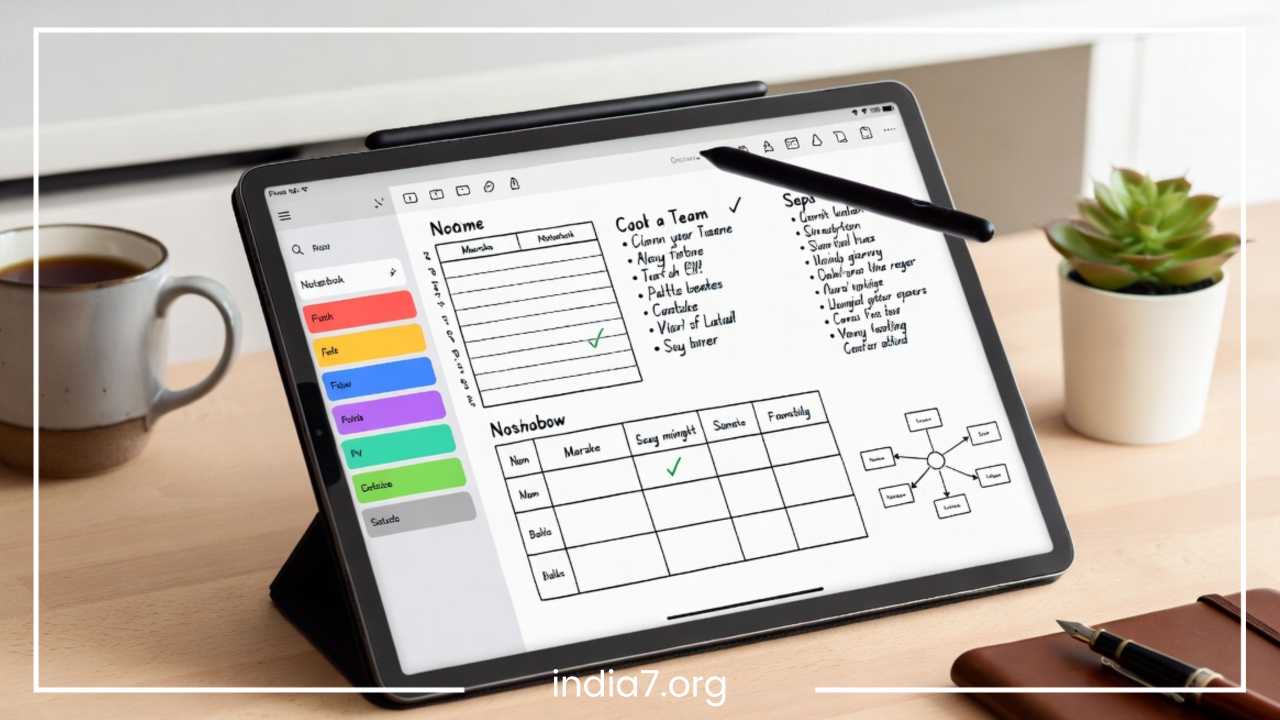
Specifically designed for tablets with styluses, these apps prioritize the feel of pen on paper. They are favorites among students in STEM fields who need to draw chemical structures, mathematical equations, or architectural sketches. They treat the screen as a piece of paper rather than a word processor.
AI-Powered Note Tools
A burgeoning category, these apps focus on the automation of note-taking. They might record a meeting and automatically extract action items, or they might analyze your library of notes to find connections you hadn’t noticed. These tools are less about the act of writing and more about the act of synthesizing.
Knowledge Graph Systems
A newer category often referred to as “Tools for Thought.” These apps use bi-directional linking to create a web of interconnected ideas. Instead of filing a note in a folder, you link it to other notes, creating a personal “Wikipedia” of your own knowledge. This mirrors the non-linear way the human brain actually works.
Read: Building a Dream Team: The Essential Guide to Cross-Functional Teams
Best Note-Taking Apps for Students
Students have unique demands. They need to handle large volumes of information, often on a tight budget, while preparing for exams that require deep recall.
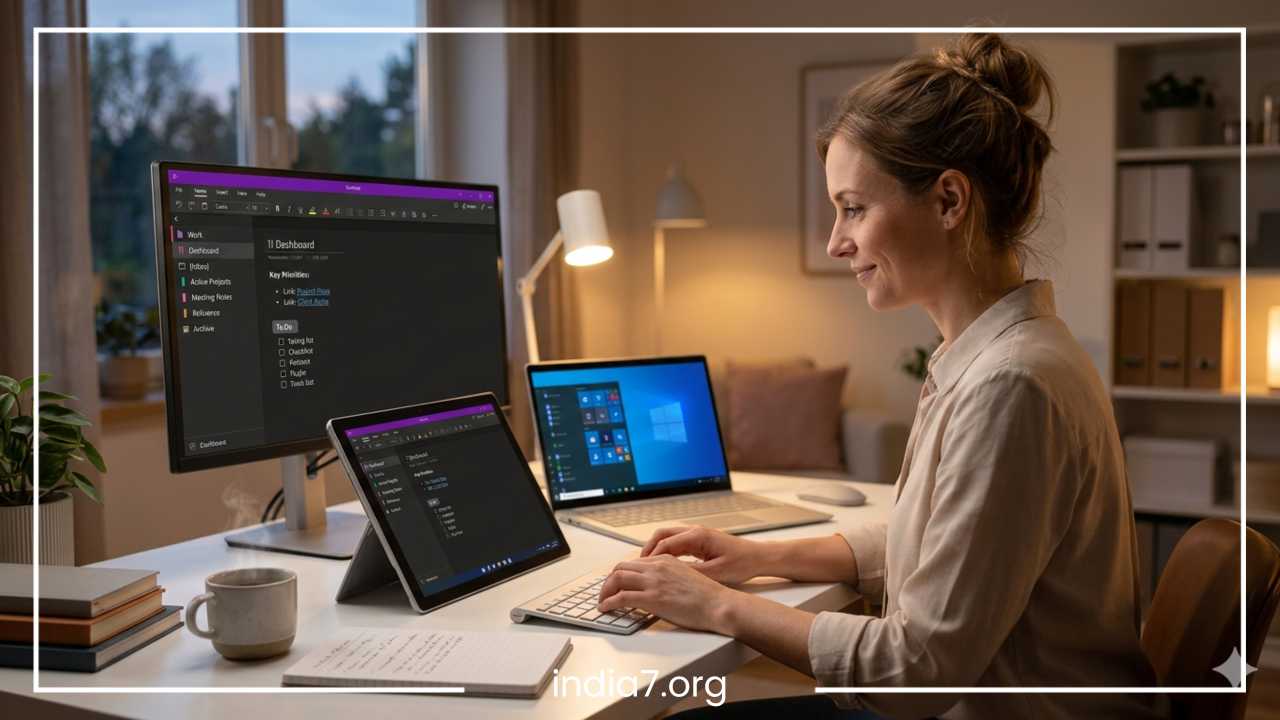
Microsoft OneNote
OneNote is often the gold standard for students. It is free for most users and uses a notebook-tab-page structure that is very intuitive for organizing different subjects.
-
Key Features: Infinite canvas, digital ink support, and the ability to record audio that syncs with your typing.
-
Best Use Case: Multi-subject organization and lecture recording where you want to see exactly what the professor was saying as you typed a specific line.
-
Pros: Completely free with a Microsoft account; excellent handwriting features on iPad and Surface; allows for deep nesting of information.
-
Cons: The interface can feel “heavy” or cluttered; syncing can occasionally be slow on non-Windows devices.
Google Keep
For the student who needs a simple place to store reminders and quick lists, Keep is excellent. It doesn’t pretend to be a word processor; it is a digital bulletin board.
-
Key Features: Color-coded notes, location-based reminders, and seamless integration with Google Docs.
-
Best Use Case: Quick reminders, checklists, and capturing ideas on the go that can later be expanded into full documents.
-
Pros: Extremely fast and simple; works perfectly within the Google ecosystem; completely free.
-
Cons: Not suitable for long-form essays, complex research, or deep hierarchical organization.
Notion
Notion has become a cult favorite among students for its aesthetic appeal and versatility. It allows students to build an entire operating system for their academic life.
-
Key Features: Databases, customizable templates, and the ability to create “Wiki” pages for different courses.
-
Best Use Case: Creating a comprehensive “Student Dashboard” to track assignments, grades, reading lists, and lecture notes in one place.
-
Pros: Highly customizable; free Personal Pro plan for students with a school email; massive community of shared templates.
-
Cons: Steep learning curve; can be distracting to set up; requires an internet connection for the best experience.
Evernote
While older, Evernote remains a powerhouse for research-heavy majors. Its ability to ingest information from the web is still largely unmatched.
-
Key Features: The Web Clipper is best-in-class, allowing students to save articles, PDFs, and full web pages directly to their notes.
-
Best Use Case: Managing research papers, archiving massive amounts of digital documents, and sourcing material for a thesis.
-
Pros: Powerful search (including images and handwriting); excellent organization via tags.
-
Cons: The free version is quite limited in terms of monthly uploads; the interface has become more complex over time.
Obsidian
For the student who wants to build a long-term knowledge base that lasts beyond graduation, Obsidian is a revolutionary “offline-first” tool.
-
Key Features: Markdown-based notes and a “Graph View” that shows how your notes are connected.
-
Best Use Case: Graduate-level research and thesis planning where the connection between ideas is as important as the ideas themselves.
-
Pros: Very fast; your data is stored locally on your computer in plain text; extremely customizable via community plugins.
-
Cons: No built-in syncing (requires a paid add-on or third-party workarounds); requires learning basic Markdown syntax.
Best Note-Taking Apps for Professionals
Professionals require reliability, speed, and the ability to integrate their notes into a larger business workflow. The goal is often “utility over beauty,” though the best apps manage both.
Notion for Teams
Notion is as much a project management tool as it is a note-taking app. For professionals, it acts as the “Single Source of Truth.”
-
Focus: Collaboration and documentation. It allows teams to build shared wikis, meeting notes databases, and product roadmaps.
-
Integration: Connects with Slack, GitHub, and Google Drive.
-
Why it works: It replaces multiple tools (notes, Trello, and Google Docs) with one unified interface, reducing the mental cost of switching between apps.
Microsoft OneNote for Business
In a corporate environment already running on Microsoft 365, OneNote is the logical choice.
-
Focus: Meeting minutes and integration. You can pull meeting details directly from your Outlook calendar into a OneNote page with one click.
-
Collaboration: Shared notebooks allow entire departments to contribute to a single project file, making it easy to track changes and contributions.
-
Why it works: High-level security and seamless “SharePoint” integration make it the safest bet for sensitive corporate data.
Evernote Teams
Evernote remains a favorite for professionals who need to manage large amounts of “clippings” and external data.
-
Focus: Document management. Its ability to search through scanned PDFs and business cards makes it a powerful administrative assistant.
-
Integration: Works well with Salesforce, Slack, and MS Teams.
-
Why it works: It is excellent for “cold storage”—taking a massive amount of information and making it searchable so you never lose a receipt or a contract again.
Apple Notes
For the professional deeply embedded in the Apple ecosystem (iPhone, Mac, iPad), the default Notes app is surprisingly powerful and often overlooked.
-
Focus: Speed and simplicity. It is the fastest way to jot down an idea during a commute or a quick call.
-
Key Features: Shared folders, password-protected notes, and high-quality document scanning that rivals dedicated apps.
-
Why it works: It is already installed on your devices, completely free, and incredibly reliable with instant iCloud syncing.
Slack as a Note Tool
While primarily a chat app, many professionals use “Direct Messages to self” or private channels as a quick-capture note system.
-
Focus: Contextual notes. It is useful for saving links, snippets of conversations, or code blocks you need to reference later.
-
Why it works: It is where the work is already happening. If you spend 8 hours a day in Slack, it is the path of least resistance for saving information.
AI Transcription Assistants
Apps like Otter.ai or Fireflies are becoming essential for professionals. They join Zoom or Teams calls and provide a full transcript of the meeting.
-
Focus: Automation. They take the “taking” out of note-taking, allowing you to be fully present in the conversation.
-
Why it works: It ensures no action item is forgotten and provides a searchable record of every verbal agreement.
Comparison Table
The following table summarizes the key attributes of the most popular apps to help you scan for your specific needs.
| App | Best For | Platform | Primary Strength | Main Weakness |
| OneNote | Students/Corporate | All | Free, Canvas-style layout | Clunky sync at times |
| Notion | Project Management | Web, Mac, PC, Mobile | Extreme customization | Steep learning curve |
| Evernote | Research/Archiving | All | Web clipping and OCR | Expensive premium tier |
| Google Keep | Quick Scraps | Web, Mobile | Speed and simplicity | No deep organization |
| Obsidian | Power Users | PC, Mac, Mobile | Privacy and linking | Harder to set up |
| Apple Notes | Apple Users | iOS, macOS | Ecosystem integration | Limited to Apple hardware |
| Standard Notes | Privacy Enthusiasts | All | End-to-end encryption | Basic free features |
| Roam Research | Complex Research | Web | Bi-directional linking | Very expensive |
Special Features to Look For
As technology advances, note-taking apps are incorporating more intelligent features. When choosing an app for the long term, consider these emerging trends that will likely become standard in the coming years.
AI Summarization and Transcription
Recording a meeting or a lecture is easy, but reviewing a two-hour audio file is not. Modern apps can now transcribe that audio into text and then provide a bulleted summary of the key points. This is a game-changer for professionals who spend their day in meetings and students who need to review lengthy lectures. It transforms passive listening into an active, searchable asset.
Semantic and Smart Search
Older search functions required you to remember the exact word used in a note. Smart search uses natural language processing to find notes based on concept and intent. If you search for “financial planning,” the app might surface a note titled “Retirement Budget” because it understands the relationship between the two terms. This reduces the pressure on you to have a perfect tagging system.
Knowledge Graphs and Visual Maps
The “Graph View” allows you to visualize your thoughts as a network. This is particularly helpful for creative professionals, writers, and researchers who need to see how disparate ideas connect to form a larger picture. It helps in identifying “knowledge gaps” where you have a cluster of notes but no connecting links to other areas of your life or work.
Automatic Organization and Smart Folders
Some apps are moving away from manual filing. Smart folders use rules (like “all notes with the tag #client and created in the last 7 days”) to organize your workspace dynamically. This ensures that the most relevant information is always at the top of your stack without you having to drag and drop files manually.
Cloud-First vs. Offline-First
The industry is currently divided between apps that require a constant internet connection (like Notion) and those that prioritize local storage (like Obsidian). If you travel often, work in areas with spotty internet, or have high security concerns, an “offline-first” app is a critical requirement to ensure your data is always accessible and under your control.
End-to-End Encryption
For professionals handling sensitive legal, medical, or financial data, standard encryption isn’t enough. Look for apps that offer end-to-end encryption, where the service provider cannot see your notes even if they wanted to. This is the ultimate level of privacy for your personal thoughts and professional secrets.
How to Choose the Right App
The abundance of choice can lead to “app hopping,” where you spend more time setting up new systems than actually taking notes. To avoid this, use the following logic to make your selection.
Identify Your Primary Need
Are you a “Architect” who likes to build complex systems? You want a tool that allows you to design your own interface, like Notion. Are you a “Gardener” who likes to grow ideas over time through connections? You want a tool with bi-directional linking like Obsidian or Roam. Are you a “Librarian” who wants to file things away and find them later? You want a stable, folder-based tool like Evernote or OneNote.
Consider Your Hardware
Your hardware often dictates your software. If you own an iPad and an Apple Pencil, you should prioritize apps with superior ink support. If you work primarily on a Windows desktop at work and an Android phone on the go, a cross-platform giant like OneNote or Google Keep is necessary. Don’t fight your ecosystem; lean into it.
Budgetary Constraints
Most students should start with free options. OneNote and Google Keep offer the most value without a subscription. For students, every dollar counts, and many of these “free” tools are actually more powerful than their paid counterparts. Professionals should view a note-taking subscription as an investment in their “second brain,” where paying for increased productivity can pay for itself in one well-organized project.
Solo vs. Collaborative
If you are working alone, Obsidian or Apple Notes are fantastic because they focus on the individual experience. However, if you need to share your notes with a boss, a study group, or a client, you must choose a tool with robust “Share,” “Comment,” and “Permissions” features. Notion and OneNote excel here, whereas Obsidian is much harder to use in a team setting.
The “Test Drive” Period
Don’t commit your entire life to a new app on day one. Pick three apps that seem interesting and use them for one week each. Use them for real tasks—take notes in a meeting, save a recipe, or plan a trip. At the end of the three weeks, the app you found yourself opening most naturally is the winner.
Common Mistakes People Make
Even with the best app, a note-taking system can fail. Avoid these common pitfalls to keep your digital life organized and stress-free.
Using Too Many Apps
The most common mistake is splitting notes across four different platforms. When you can’t remember if a piece of information is in Keep, Notion, or your email, the system has failed. This “fragmentation” leads to anxiety and lost data. Try to consolidate everything into one “main” app and perhaps one “quick capture” app for temporary notes.
Overcomplicating the Setup
Many users spend hours building the perfect dashboard in Notion with custom icons, progress bars, and complex databases. This is often just a form of “productive procrastination.” You are working on your work rather than actually doing your work. Start with a blank page. Let your organization system grow organically as you add more notes.
Ignoring Sync and Backup
Digital notes are only valuable if they are safe. Ensure that whatever app you choose has a reliable cloud backup or that you are manually backing up your local files. Losing a semester’s worth of notes or a year’s worth of project data due to a sync error is a preventable tragedy. Always check your sync settings.
Choosing Popularity Over Utility
Just because a specific app is trending on social media doesn’t mean it fits your brain. If you find bi-directional linking confusing and it makes you not want to take notes, don’t use Obsidian just because it’s “the future.” Stick to the tool that feels most natural to you, even if it is “old fashioned.”
Collecting Without Reviewing
A note-taking app can easily become a “digital graveyard” where ideas go to die. The Web Clipper makes it too easy to save things you will never look at again. Set aside time once a week or once a month to review your recent notes, delete what isn’t useful, and file away what is.
Final Thoughts
The “best” note-taking app is ultimately the one you will actually use. While the features listed above are important, they are secondary to the habit of capturing, organizing, and reviewing information.
For the student seeking a versatile and free tool that handles handwriting and typed notes equally well, Microsoft OneNote remains the strongest recommendation. It mirrors the school experience of binders and tabs better than any other software. For the professional who needs a central hub for work, life, and team collaboration, Notion offers an unparalleled ability to combine notes with project management, creating a unified workspace.
Those who prioritize speed and are already in the Apple ecosystem will find Apple Notes more than sufficient for 90% of their needs, while power users, writers, and researchers should look toward Obsidian for long-term knowledge management and privacy.
Note-taking is not just about recording the past; it is about preparing for the future. It is about reducing the cognitive load on your brain so you can focus on thinking and creating rather than just remembering. By choosing the right tool and building a consistent system, you can turn a chaotic stream of information into a structured, powerful resource that serves you for years to come. Experiment with a few of these options, find the interface that speaks to you, and start building your digital second brain today. Whether you are aiming for an ‘A’ in a difficult course or a promotion at your firm, your notes will be the foundation upon which your success is built.
Frequently Asked Questions About Note-Taking Apps
To help you choose the best tool for your specific workflow, here are answers to some of the most common questions users search for when looking for note-taking solutions.
Which note-taking app is best for students using an iPad and Apple Pencil?
For students who prefer handwriting their notes, Microsoft OneNote and GoodNotes are the top contenders. OneNote is highly recommended because it offers an infinite canvas and is free for most students, allowing you to mix typed text with handwritten diagrams. If you are looking for a more traditional paper-like feel with advanced digital stationery, GoodNotes is a popular paid alternative that excels at PDF annotation and organization.
What is the best free note-taking app with no monthly subscription?
Apple Notes and Google Keep are the best completely free apps with no hidden costs or monthly limits. Apple Notes is ideal for users with an iPhone or Mac, offering robust features like document scanning and folder organization. Google Keep is the best cross-platform free option, perfect for quick reminders and simple lists that sync across any device with a Google account.
How do I choose between Notion and Obsidian for personal knowledge management?
The choice between Notion and Obsidian depends on your preference for storage and customization. Notion is a cloud-based, all-in-one workspace that is excellent for collaboration, project management, and using pre-made templates. Obsidian is an offline-first, markdown-based tool that prioritizes privacy and “bi-directional linking,” making it better for long-term research and building a “second brain” where all your ideas are interconnected.
Are there note-taking apps that work offline and sync later?
Yes, Obsidian and Microsoft OneNote are excellent for offline use. Obsidian stores all files locally on your hard drive as plain text files, so you never need an internet connection to access your data. OneNote allows you to edit your notebooks offline on your laptop or mobile device, and it will automatically merge your changes and sync them to the cloud once you reconnect to Wi-Fi.
Which note-taking apps offer the best AI features for meeting summaries?
Notion and Evernote have integrated powerful AI assistants that can summarize long notes, change the tone of your writing, and extract action items from meeting minutes. Additionally, transcription-focused apps like Otter.ai or Fireflies are specifically designed to join virtual meetings and provide automated, searchable transcripts that can be exported into your primary note-taking app.
What is the best note-taking app for professional project management?
Notion is widely considered the best tool for merging note-taking with project management. It allows you to turn simple notes into database items, assign due dates, and view your tasks in Kanban boards or Gantt charts. This makes it ideal for professionals who want to keep their brainstorming notes and their execution tasks in the same digital environment.
How can I switch or migrate my notes from Evernote to another app?
Most modern apps, such as Notion and Microsoft OneNote, have built-in “importers” specifically designed to move your data from Evernote. You typically export your Evernote notebooks as .enex files and then upload them into the new app. This process usually preserves your tags, attachments, and formatting, making the transition between platforms relatively seamless.
Is there a private and encrypted note-taking app for sensitive information?
Standard Notes is the best option for users who prioritize security and privacy. It offers end-to-end encryption on its free tier, meaning that not even the developers of the app can read your notes. This is a critical feature for professionals who need to store sensitive legal, medical, or proprietary business information that must remain completely confidential.