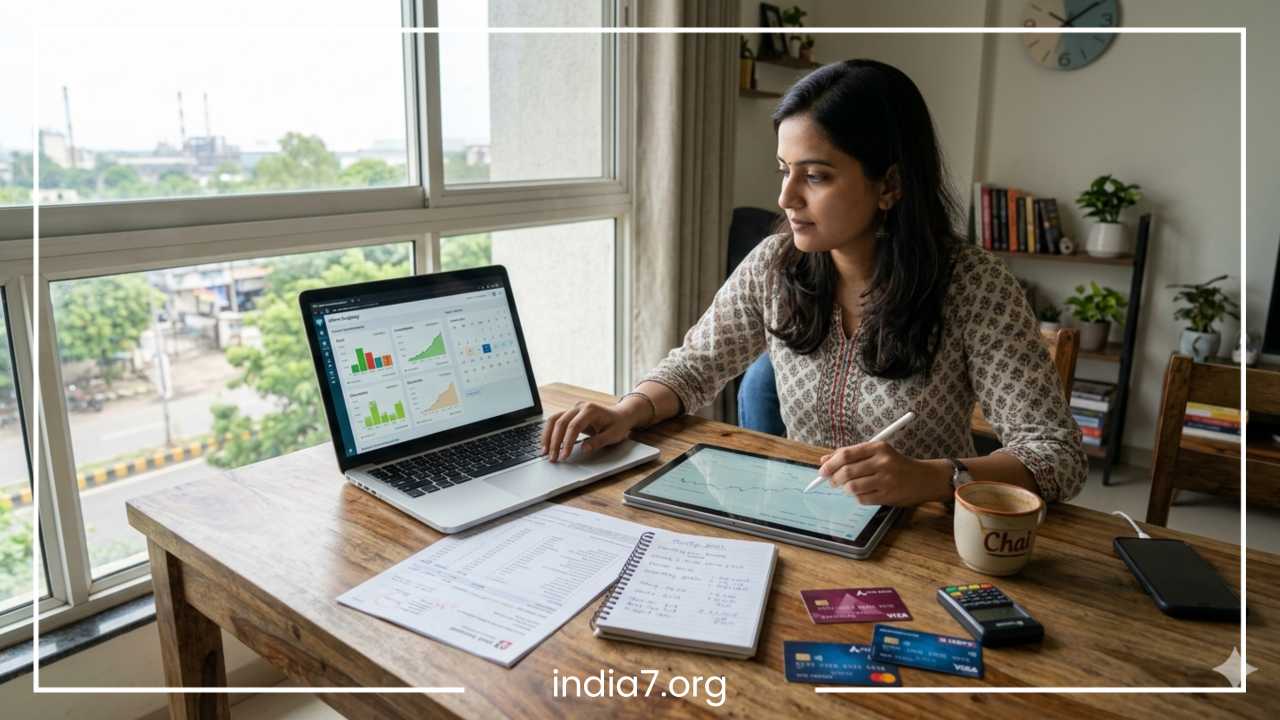
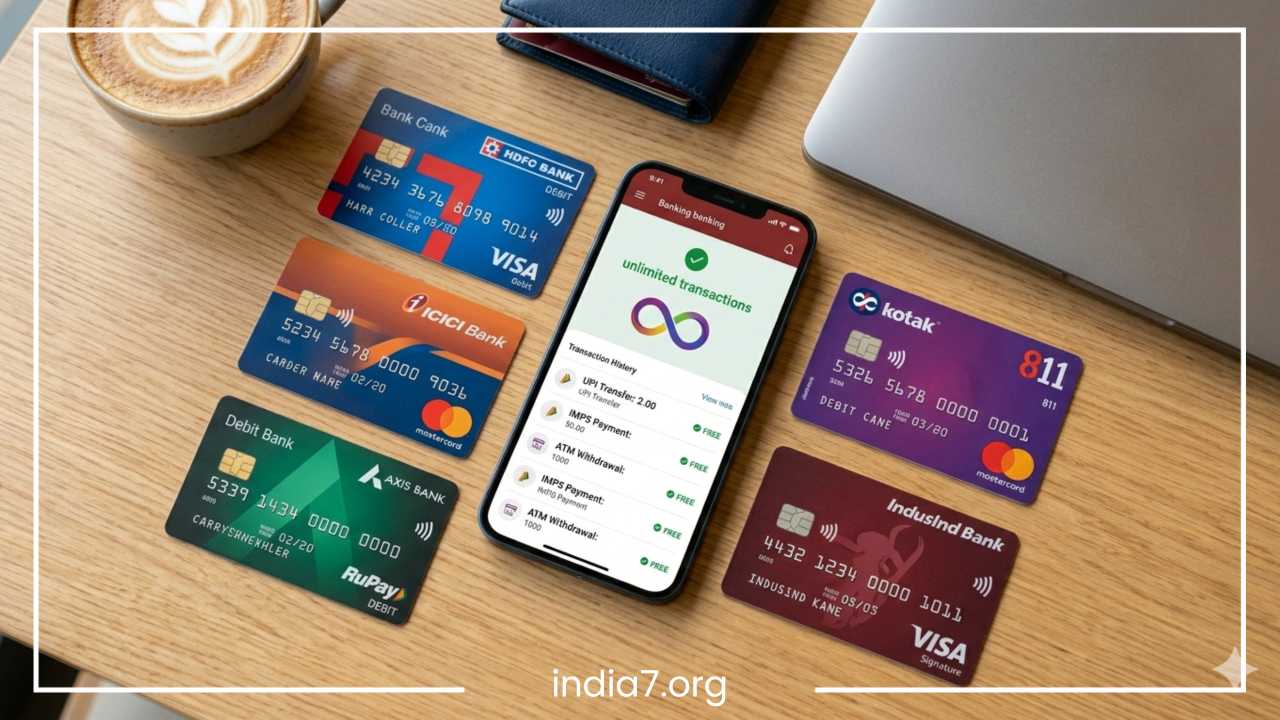
Best Ways to Track Bank Transactions
7 Best Ways to Track Bank Transactions & Manage Your Money
In an era of instant gratification and seamless digital payments, managing personal finances has become both easier and more complex. While we no longer have to balance physical checkbooks at the kitchen table, the sheer volume of transactions—from micro-payments for coffee to recurring digital subscriptions—can make it difficult to maintain a clear picture of where our money is going. Tracking bank transactions is the cornerstone of financial literacy. It is the process of recording, categorizing, and reviewing every outflow and inflow of cash to ensure that your financial reality aligns with your goals.
Many individuals face the same recurring frustrations: overspending without realizing it until the end of the month, discovering forgotten subscriptions that have been draining their accounts for months, or dealing with an unclear cash flow that makes saving feel impossible. These issues often stem from a lack of visibility. When you don’t track your transactions, you are essentially flying blind.
The landscape of money management has shifted significantly from manual budgeting to sophisticated digital tracking. We have moved beyond the “envelope method” of physical cash into an age of automated synchronization and real-time data. This article explores seven practical, actionable methods to track your bank transactions effectively. By implementing these strategies, you can transform your relationship with money from one of stress and uncertainty to one of confidence and control.
Read: How People With Bad Credit Can Refinance
Why Tracking Bank Transactions Is Essential
Tracking your bank transactions is about much more than just keeping a tally of your spending; it is about reclaiming your financial power. The first and most immediate benefit is heightened financial awareness. When you see exactly how much you spend on dining out, transportation, or impulsive online shopping, you gain the data necessary to make informed decisions. Without this data, “budgeting” is merely guesswork.
Beyond personal awareness, transaction tracking serves as a vital security measure. In an age of increasing cyber threats and identity theft, reviewing your transactions regularly is your first line of defense against fraud. By spotting an unauthorized ten-dollar charge today, you might prevent a thousand-dollar theft tomorrow. It allows you to catch billing errors, duplicate charges, or service fees that you never agreed to pay.
Consistent tracking also has a direct impact on your long-term financial health, including your credit score and loan eligibility. Lenders look for stability and responsible cash flow management. By keeping a close eye on your transactions, you ensure that bills are paid on time and that you aren’t overextending your credit utilization. This discipline makes you a much more attractive candidate for mortgages, auto loans, or business credit.
Finally, the psychological benefit cannot be overstated. Financial stress is often rooted in the “unknown.” By bringing your transactions into the light, you reduce the anxiety associated with opening your banking app. You gain the peace of mind that comes with knowing exactly where you stand, allowing you to plan for the future with clarity and purpose.
Read: What are the Differences Between a Lender and an Investor?
Mobile Banking Apps
The most accessible way to begin tracking your finances is through the tool you already carry in your pocket: your smartphone. Modern mobile banking apps have evolved far beyond simple balance checkers. They now serve as comprehensive transaction hubs that offer a wealth of data for the observant user.
Built-in History and Search
Most banking apps provide a searchable transaction history that goes back several months or even years. This allows you to quickly find specific payments by merchant name, date, or amount. Instead of waiting for a monthly statement, you can see pending transactions in real-time. This immediacy is crucial for catching errors before they are finalized.
Real-Time Alerts and Notifications
One of the most powerful features of mobile banking is the ability to set up push notifications. You can configure your app to send an alert every time a purchase is made above a certain threshold, or even for every single transaction. This provides an instant feedback loop that reinforces your spending awareness. If you feel a “ping” on your phone every time you spend money, you are less likely to overspend impulsively.
Categorization and Spending Breakdowns
Many top-tier banks and fintech apps now include automated categorization features. These tools use machine learning to tag your spending as “Groceries,” “Entertainment,” or “Utilities.” At the end of the week or month, the app generates a pie chart or graph showing you exactly what percentage of your income went toward different categories.
Pros and Cons
The primary advantages of using your bank’s own app are convenience and security. It is free, requires no additional setup, and provides instant updates directly from the source. However, the downside is that these apps are often limited to that specific bank. If you have accounts across multiple institutions, you only get a fragmented view of your finances. Additionally, some traditional banks still offer fairly basic analytics compared to dedicated personal finance software.
Read: Reasons for Which Logbook Loans Have Gained Popularity Among the People
Personal Finance Apps
For those who want a holistic view of their financial life, personal finance apps are the gold standard. These platforms are designed to aggregate data from multiple bank accounts, credit cards, investment portfolios, and loans into a single dashboard.
Multi-Account Synchronization
The core strength of these apps is their ability to sync via secure APIs. By linking your various accounts, you can see your total net worth and total spending in one place. This eliminates the need to log into five different portals to understand your financial standing. These apps automatically pull in transactions as they happen, saving you the labor of manual entry.
Advanced Categorization and Trends
While banking apps offer basic categories, dedicated finance apps allow for deep customization. You can create “nested” categories—for example, “Food” could be broken down into “Fine Dining,” “Fast Food,” and “Coffee Shops.” This level of detail helps you identify specific habits that are draining your budget. Furthermore, these apps visualize spending trends over time, showing you if your utility bills are rising year-over-year or if your grocery spending has spiked recently.
Goal Setting and Subscription Management
Many personal finance apps include tools for goal setting, such as saving for a vacation or paying off a specific credit card. They can also scan your transaction history to identify recurring subscriptions. This is a game-changer for many users, as it highlights “vampire” subscriptions—services you pay for but no longer use.
Pros and Cons
The insights provided by these apps are incredibly powerful and can lead to significant savings. However, they do come with privacy considerations. You are sharing your financial data with a third-party provider, which requires a high level of trust in their encryption and data-handling practices. Some of the best features may also require a monthly subscription fee, though many offer robust free versions.
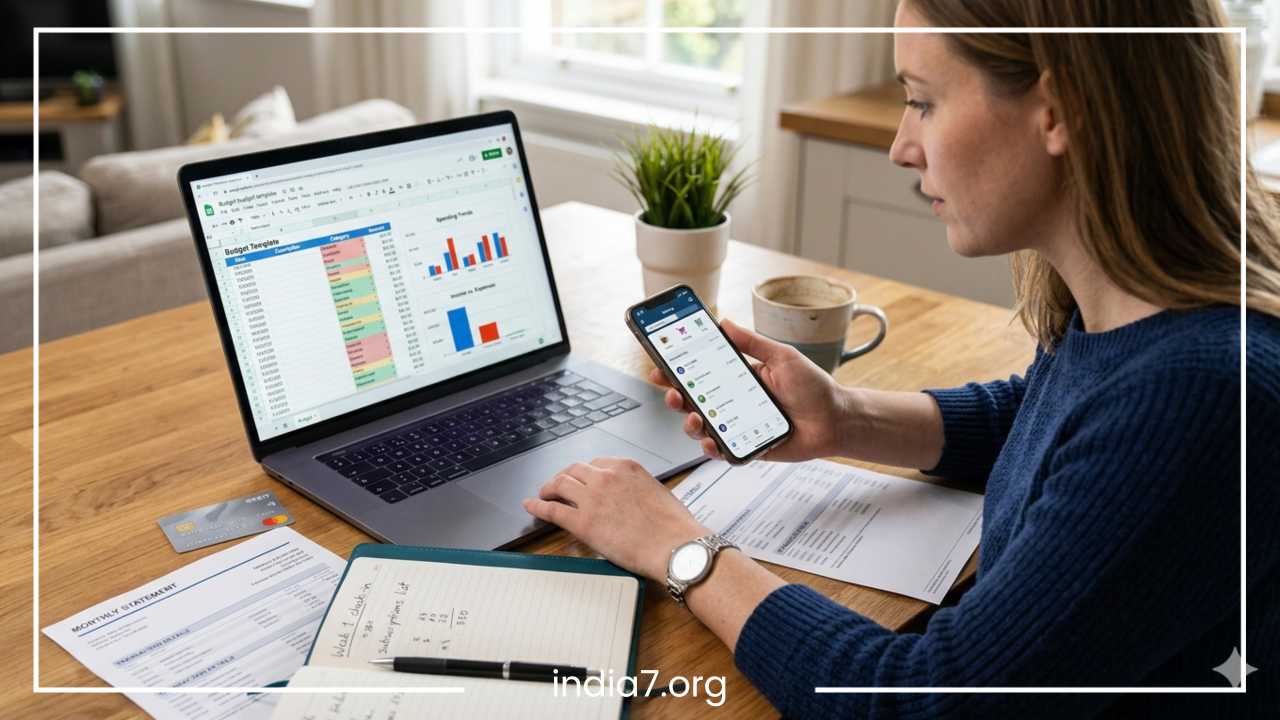
Excel or Google Sheets Budget Tracking
Despite the rise of automated apps, many financial experts and enthusiasts still prefer the “old school” method of using spreadsheets. Whether you use Microsoft Excel or Google Sheets, this method offers a level of customization that no app can match.
Total Customization and Control
When you build your own spreadsheet, you are the architect of your financial system. You aren’t forced to use someone else’s categories or interface. You can track exactly what matters to you, whether that is the cost of a specific hobby or a granular breakdown of business expenses. For many, the act of manually typing in transactions—or at least manually importing and cleaning the data—creates a psychological connection to their spending that automated apps lack.
Formulas and Data Visualization
Spreadsheets allow you to use powerful formulas to analyze your data. You can use SUMIFS to calculate spending in specific categories, or create Pivot Tables to see your spending patterns across different months. You can also build your own charts and graphs that update automatically as you add new rows of data. This is particularly useful for those who enjoy data analysis and want to run “what-if” scenarios for their future savings.
Privacy and Longevity
A spreadsheet lives on your computer or your personal cloud drive. You don’t have to worry about a third-party app changing its interface, getting acquired, or shutting down. Your data is yours, and you can export it or back it up whenever you wish. There are no “linking” issues or broken bank connections to deal with.
Downsides
The main drawback is that this method is time-consuming. It requires discipline to regularly update the sheet and ensure that the numbers reconcile with your bank balance. There is also a higher risk of human error; one wrong formula or a missed transaction can throw off your entire budget.
SMS and Email Alerts
In the rush toward high-tech apps, many people overlook the simplicity and effectiveness of SMS and email alerts. This is a “passive” tracking method that ensures you are informed of every movement in your account without needing to log in anywhere.
Instant Fraud Detection
Alerts are your most immediate defense against unauthorized transactions. Most banks allow you to set an alert for any transaction over $0.01. This means the moment your card is swiped—whether by you or a thief—you receive a message. If you are sitting on your couch and receive a text about a purchase at a gas station three states away, you can freeze your card within seconds.
Threshold Alerts and Low Balance Warnings
You can set custom thresholds to help manage your cash flow. For example, you can request an alert when your balance drops below $200, which serves as a warning to slow down your spending until the next paycheck. You can also set alerts for large deposits, ensuring you know exactly when your salary or a refund has hit your account.
Accessibility and Simplicity
The beauty of SMS alerts is that they work on any mobile device, regardless of internet connectivity. This is particularly useful for individuals in areas with spotty data coverage or for those who prefer not to have a dozen apps on their phone. It is a streamlined, “no-frills” way to stay connected to your money.
Limitations
While excellent for security and basic awareness, alerts don’t provide much in the way of analysis. They tell you what happened, but they don’t help you understand why it happened or how it fits into your broader financial goals. Furthermore, if you make many small purchases throughout the day, the constant barrage of notifications can become overwhelming, leading some users to eventually ignore them.
Digital Wallets and UPI Apps Tracking
The rise of digital wallets and Unified Payments Interface (UPI) systems has revolutionized how micro-transactions occur. Because these platforms act as an intermediary for so many daily purchases, they offer a unique vantage point for tracking spending.
Centralized Logs for Daily Spending
Digital wallets maintain their own internal transaction logs that are often much easier to read than a standard bank statement. Because they often link directly to your phone’s contact list, a payment to a friend or a local vendor is listed by name rather than a cryptic merchant code. This makes reviewing your daily coffee runs or grocery trips much more intuitive.
Merchant-Wise Breakdowns
Many digital wallets provide a “spend analyzer” specifically for the transactions processed through their platform. You can see how much you have spent at specific merchants over the last month. Since many people use one specific wallet for their “walking around money” or daily discretionary spending, this log provides a very clear picture of lifestyle expenses.
Visibility into Recurring Payments
Digital wallets are frequently used to manage recurring utility bills, insurance premiums, and mobile recharges. Most of these apps have a dedicated section for “Autopay” or “Recurring Payments,” giving you a clear view of your fixed monthly obligations. This helps you avoid the “out of sight, out of mind” trap of automated billing.
Pros and Cons
These apps excel at tracking small, frequent transactions that might clutter a primary bank statement. They are incredibly user-friendly and deeply integrated into daily life. However, the downside is fragmentation. If you use multiple wallets or apps, your spending data is split across different platforms, making it harder to see the “big picture” of your total finances.
Bank Statements and Monthly Review System
While real-time tracking is important, there is no substitute for the formal monthly review. This involves downloading your official bank statements in PDF or CSV format and conducting a deep dive into the previous thirty days.
The Power of the “Money Review Day”
Designating one day a month—perhaps the first Saturday—as your “Money Review Day” creates a powerful habit of accountability. During this time, you should compare your planned budget against your actual spending. This reconciliation process forces you to confront where you strayed from your goals and why.
Identifying Unnecessary Spending
When you look at a full month’s statement, patterns emerge that are invisible on a daily basis. You might not notice the $5 you spend on convenience store snacks each day, but when you see a total of $150 at the end of the month, the impact becomes clear. This birds-eye view is essential for identifying areas where you can “trim the fat.”
Official Record Keeping
Bank statements are the official legal record of your financial life. Reviewing them ensures that you haven’t missed any bank fees, interest charges, or tax-deductible expenses. If you are a freelancer or business owner, this monthly review is non-negotiable for tax preparation and financial health.
Best Practices
Don’t just look at the numbers; ask yourself questions. “Did this purchase bring me value?” “Was this an essential expense?” By reflecting on the intent behind the transactions, you turn a dry list of numbers into a tool for personal growth.
Automation and Budgeting Rules
Tracking is most effective when it leads to action. Automation is the bridge between knowing where your money goes and ensuring it goes where you want it to. By setting up rules and automated systems, you can reduce the mental load of managing your money.
Automating Savings and Bills
The “pay yourself first” principle is best executed through automation. Set up a recurring transfer that moves money from your checking account to your savings or investment account the day after your paycheck arrives. Similarly, use “Autopay” for your fixed bills. This ensures that your essential obligations are met before you have the chance to spend that money elsewhere.
Digital Envelope Budgeting
You can simulate the traditional envelope method using “buckets” or “vaults” offered by many modern banks. This allows you to partition your main account into sub-categories like “Rent,” “Travel,” or “Emergency Fund.” When you track your transactions, you can see exactly which “bucket” the money is coming from, preventing you from overspending in one area at the expense of another.
Implementing the 50/30/20 Rule
A simple rule of thumb for managing your tracked transactions is the 50/30/20 rule: 50 percent of your income for needs, 30 percent for wants, and 20 percent for savings and debt repayment. By categorizing your transactions into these three buckets, you can quickly see if your lifestyle is out of balance.
Benefits of Automation
Automation reduces “decision fatigue.” We only have a limited amount of willpower each day; if you have to manually decide to save money every time you get paid, you are more likely to fail eventually. Automation builds discipline into the system itself, making financial success the “default” setting for your life.
Common Mistakes in Tracking Money
Even with the best tools, it is easy to fall into traps that undermine your financial tracking efforts. Recognizing these common mistakes is the first step toward avoiding them.
Ignoring Small Transactions
The “latte factor” is real, but it’s not just about coffee. It’s the small apps, the convenience store snacks, and the digital tips that add up. Many people only track “major” purchases, but it is often the accumulation of small, untracked expenses that causes a budget to fail. Every cent matters when you are trying to build a clear picture of your cash flow.
Not Reviewing Subscriptions
In the modern economy, companies thrive on “subscription inertia.” We sign up for a free trial, forget to cancel, and end up paying for a service we don’t use for years. Failing to specifically audit your recurring transactions is one of the most common ways to lose money.
Mixing Personal and Business Expenses
If you are a freelancer or have a side hustle, mixing your expenses is a recipe for disaster. It makes it nearly impossible to track the true profitability of your work and creates a nightmare during tax season. Always use separate accounts or, at the very least, very clear tagging systems to keep these worlds apart.
Relying on Memory
The most dangerous phrase in personal finance is “I’ll remember to record that later.” You won’t. Memory is fallible and biased. Effective tracking requires a system—whether an app, a spreadsheet, or a notebook—that captures data as close to the moment of the transaction as possible.
Tips to Stay Consistent
The “best” tracking method is the one you actually stick with. Consistency is far more important than complexity. Here is how to ensure your tracking habit lasts for the long haul.
Weekly Financial Check-ins
A month is a long time to go without looking at your numbers. By the time the month ends, it’s too late to change your behavior. A ten-minute “weekly check-in” allows you to course-correct. If you see you’ve spent your entire “Entertainment” budget by the second week of the month, you can adjust your plans for the remaining two weeks.
Keep Categories Simple
Don’t overwhelm yourself with fifty different categories. Start with five or six broad buckets: Housing, Food, Transport, Utilities, Savings, and “Everything Else.” As you get more comfortable, you can add more detail, but starting too complex is a common reason people give up.
Use One Primary System
While it is okay to use SMS alerts for security and a spreadsheet for deep analysis, try to have one “source of truth.” If your data is scattered across four different apps and two notebooks, you will eventually feel overwhelmed. Choose one primary dashboard and make it the center of your financial world.
Set Reminders
Treat your financial tracking like a gym session or a doctor’s appointment. Put it on your calendar. Setting a recurring reminder on your phone ensures that life’s busyness doesn’t push your financial health to the sidelines.
Final Thoughts
Tracking your bank transactions is the foundation upon which financial freedom is built. Whether you choose the automated convenience of a personal finance app, the detailed control of a spreadsheet, or the simple awareness of SMS alerts, the goal remains the same: clarity.
We have explored seven distinct methods:
-
Mobile Banking Apps for instant, source-level data.
-
Personal Finance Apps for a multi-account, holistic view.
-
Spreadsheets for ultimate customization and privacy.
-
SMS and Email Alerts for real-time security and passive awareness.
-
Digital Wallets for managing micro-transactions and UPI payments.
-
Monthly Reviews for deep-dive analysis and reconciliation.
-
Automation for building discipline and reducing mental effort.
The most important takeaway is that consistency triumphs over tools. You do not need the most expensive software or the most complex spreadsheet to succeed. You simply need a system that you will use every single week.
Financial control is not about restricting your life; it is about making sure your money is spent on the things that truly matter to you. Start small—pick one or two methods that resonate with your lifestyle and implement them today. As you gain more insight into your transactions, you will find that the stress of the unknown is replaced by the power of the known. That clarity is the first step toward a more secure and prosperous future.
Frequently Asked Questions
What is the best way to track daily expenses for beginners?
For those just starting, the most effective method is using a mobile banking app combined with a simple digital wallet. These tools require zero manual entry and provide instant feedback on spending. By reviewing your transaction history every evening, you build the habit of financial awareness without the complexity of spreadsheets.
How can I track my bank transactions across multiple accounts?
The most efficient way to manage multiple accounts is through a dedicated personal finance aggregator app. These platforms use secure connections to pull data from various banks and credit cards into a single dashboard, allowing you to see your total net worth and combined spending patterns in one place.
Is it safe to link my bank account to third-party budgeting apps?
Most reputable personal finance apps use bank-level encryption and read-only access, meaning they can see your transactions but cannot move your money. To ensure maximum safety, look for apps that use established secure data transfer protocols and offer two-factor authentication for your account.
Why does my bank transaction history not match my actual balance?
This discrepancy usually occurs due to “pending transactions.” When you make a purchase, the merchant places a hold on the funds, but the transaction may take 24 to 48 hours to fully clear. Additionally, some transactions, like automated bill payments or checks, may not reflect immediately in the real-time feed.
How do I find a specific transaction from several months ago?
Most banking apps and personal finance tools offer a search and filter function. You can typically search by merchant name, amount range, or specific date periods. If the transaction is more than a year old, you may need to download a historical PDF statement from your bank’s web portal.
Can I track cash expenses alongside bank transactions?
Yes, the best way to track cash is by using a manual “add transaction” feature found in most personal finance apps. Alternatively, many people keep a dedicated “Cash” column in their budget spreadsheet to record physical currency spending, ensuring their total spending report remains accurate.
What are the best free tools for tracking monthly spending?
Google Sheets and Microsoft Excel are excellent free options for those who prefer manual control. For automated tracking, many fintech apps offer robust free versions that include transaction categorization and basic spending alerts without requiring a paid subscription.
How often should I reconcile my bank transactions?
At a minimum, you should reconcile your transactions once a month during a dedicated financial review. However, a weekly “check-in” of five to ten minutes is highly recommended to catch errors early, identify fraud, and stay on top of your variable spending categories.