Best Tips for Going Live on TikTok
Best Tips for Going Live on TikTok: A Complete Guide
Why TikTok LIVE Matters
In the rapidly evolving landscape of social media, real-time connection has become the gold standard for digital growth. TikTok LIVE has emerged as one of the most powerful engagement tools available to creators, influencers, and businesses alike. Unlike pre-recorded videos that undergo meticulous editing, live streaming offers an unscripted, raw look into your world. This raw format is exactly what modern audiences crave: authenticity.
When you stream live, you bypass the traditional barriers of content consumption to build much stronger audience connections. Viewers see your immediate reactions, hear your natural voice, and interact with you in real time, which drastically increases trust. Beyond building relationships, broadcasting live provides a massive boost to your overall visibility. The TikTok algorithm frequently pushes active live streams to the For You Page (FYP) of users who do not follow you yet, serving as a powerful discovery engine.
Furthermore, live streams unlock robust monetization opportunities, allowing you to convert casual viewers into dedicated fans and customers. Whether your goal is to grow your follower count, establish brand authority, or generate income, mastering the art of the live stream is essential. This comprehensive guide will walk you through everything from the absolute basics of setting up to advanced audience retention strategies, ensuring your next broadcast is a resounding success.
Read: What is Hreflang: How to Use Hreflang
What Is TikTok LIVE and How Does It Work?
TikTok LIVE is a built-in feature that allows users to broadcast real-time video content directly to their audience. While standard TikTok videos are capped by duration and shaped by post-production filters, transitions, and edits, live streaming is continuous, spontaneous, and fully interactive. It transforms passive content consumption into a two-way conversation.
Viewers discover LIVE streams through multiple channels on the platform. They might stumble upon your broadcast while scrolling through their primary For You Page, or they may navigate directly to the dedicated LIVE tab at the top of their screen. Additionally, your existing followers receive a push notification when you start broadcasting, and your profile icon will flash with a distinct colorful ring, signaling that you are currently on air.
To facilitate rich communication, TikTok provides a suite of interactive features designed to elevate the streaming experience:
-
Live Chat: A real-time scrolling feed where viewers can type questions, send emojis, and converse with both the creator and other audience members.
-
Gifts: Virtual tokens that viewers purchase and send to creators during a stream, which can later be converted into real currency.
-
Q&A: A dedicated tool that separates questions from the fast-moving main chat, allowing creators to view, select, and display specific viewer inquiries on-screen.
-
Moderators: Trusted users assigned by the creator to manage the chat, block disruptive accounts, and pin important comments.
-
Co-hosting: A split-screen feature that allows two creators to stream together, merging their respective audiences for joint discussions or friendly competitions.
-
LIVE Events: A scheduling feature that allows creators to announce upcoming broadcasts in advance, letting users register for reminders.
Read: The Future of Link Building
TikTok LIVE Requirements: Who Can Go Live?
Before you can plan your first broadcast, you must ensure that your account meets the specific criteria set by the platform. TikTok enforces these rules to protect the community and ensure a safe, high-quality experience for all users.
The foundational requirement centers around age and follower count. Creators must be at least 18 years old to host a live stream and to send or receive virtual gifts. Additionally, the standard baseline requirement to unlock the LIVE feature is having at least 1,000 followers. However, these requirements can sometimes vary depending on your geographic region or specific account updates rolling out in your area.
Beyond numbers, your account must maintain excellent standing. This means you must strictly comply with Community Guidelines. If your account has recent violations, copyright strikes, or a history of inappropriate behavior, your access to the feature may be temporarily suspended or permanently revoked.
To check if the feature is available to you, open the app, tap the create button (the plus icon at the bottom of the screen), and swipe along the bottom menu options. If you see the option labeled LIVE next to the standard video recording lengths, you are fully authorized to broadcast.
For new creators who have not yet hit the follower threshold, focus your energy on creating high-quality, short-form video content to build your initial audience. Post consistently, use trending audio, and interact heavily in the comments sections of other creators to build a healthy, compliant account standing that will serve you well once the live feature unlocks.
Read: Organic Search Engine Optimization – (SEO)
How to Prepare Before Going Live on TikTok
A successful live stream requires a balance of spontaneity and structure. Walking into a broadcast completely blind often leads to awkward silences, aimless rambling, and high viewer drop-off rates. Proper preparation ensures you keep your audience hooked from the first second to the last.
Choose the Right Topic
Your stream must have a clear, defined purpose. Identify what value you are delivering to the audience before hitting the broadcast button. Consider the following popular formats:
-
Educational Content: Teach a specific skill, share industry insights, or break down a complex topic.
-
Entertainment Streams: Play an instrument, sing, tell stories, or perform comedy routines.
-
Product Demonstrations: Show how an item works, highlight key features, and explain real-world benefits.
-
Behind-the-Scenes Content: Take viewers behind the curtain of your daily life, your business operations, or your creative studio.
-
Q&A Sessions: Dedicate the entire broadcast to answering user-submitted questions about your life, career, or niche expertise.
-
Tutorials: Walk viewers step-by-step through a process, such as applying makeup, cooking a meal, or coding a basic program.
-
Gaming and Live Reactions: Stream your gameplay or react in real time to popular videos, news events, or community memes.
Plan Your LIVE Structure
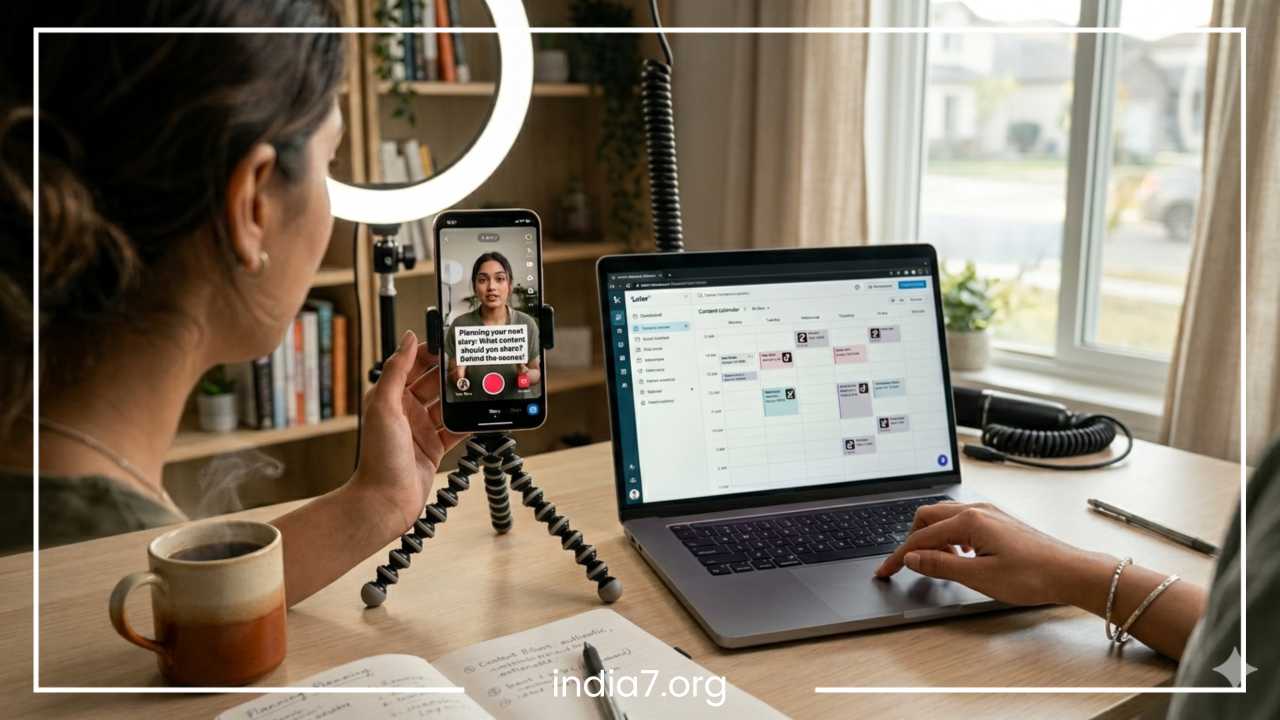
Once you have selected your topic, map out a timeline. A dependable live stream structure consists of an opening hook, a core content block, interactive segments, and a strong closing call to action (CTA).
| Time Segment | Purpose | Activity |
| First 5 Minutes | The Welcome & Hook | Greet early arrivals, state the topic clearly, and give viewers a compelling reason to stay. |
| Middle 20–40 Minutes | Main Discussion / Demo | Deliver your core value, complete your tutorial, or showcase your main talent. |
| Final 10–15 Minutes | Interactive Q&A | Shift focus entirely to the chat, answering questions and acknowledging top contributors. |
| Closing 5 Minutes | The Wrap-up & CTA | Summarize key points, announce your next stream, and explicitly ask viewers to follow your profile. |
Set Up Your TikTok LIVE Space and Equipment
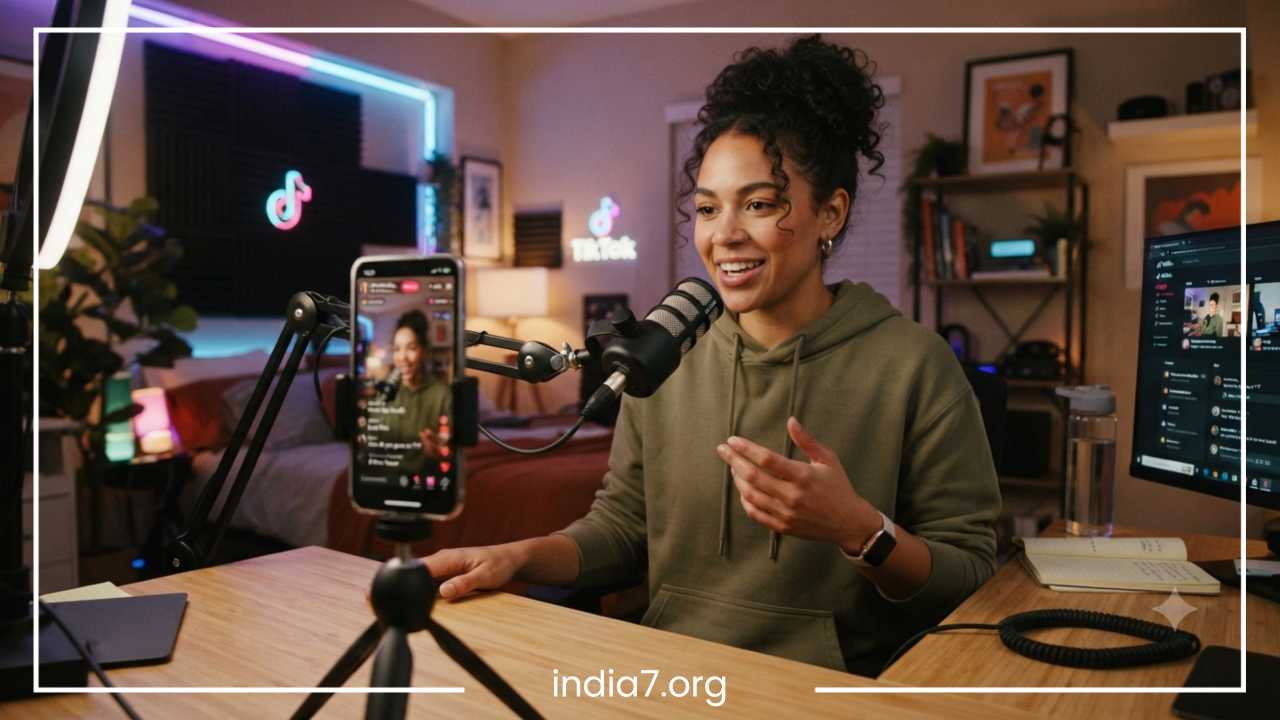
The technical quality of your stream directly impacts viewer retention. Even if your content is brilliant, poor lighting or muffled audio will drive people away within seconds. You do not need a multi-thousand-dollar studio setup, but you must optimize the equipment you have.
Camera Quality
Modern smartphones possess highly capable cameras, but you must use them correctly. Wipe down your camera lens before every stream to remove smudges and fingerprints. Whenever possible, use your phone’s rear-facing camera, as it provides significantly higher resolution, better color accuracy, and superior performance in lower light compared to the front-facing selfie camera. If you use the rear camera, set up a secondary screen or a mirror behind the phone so you can still view the live chat easily.
Lighting
Good lighting eliminates shadows and makes your video look professional. The cheapest option is natural lighting; position yourself facing a large window so light illuminates your face evenly. If you are streaming at night or in a room without windows, invest in a basic ring light or LED panel. Position the light source slightly above eye level and directly in front of you. Avoid strong backlighting, such as having a bright window directly behind you, as this will turn you into a dark, unreadable silhouette.
Audio
Clear sound is arguably more important than perfect video. Viewers will tolerate a slightly pixelated video feed, but they will immediately leave if your audio is scratchy, echoing, or drowned out by ambient noise. Turn off fans, air conditioners, and televisions in the room. While your phone’s built-in microphone can work in a perfectly quiet room, investing in a budget-friendly external lavalier microphone or a directional shotgun microphone will instantly elevate your stream quality.
Background
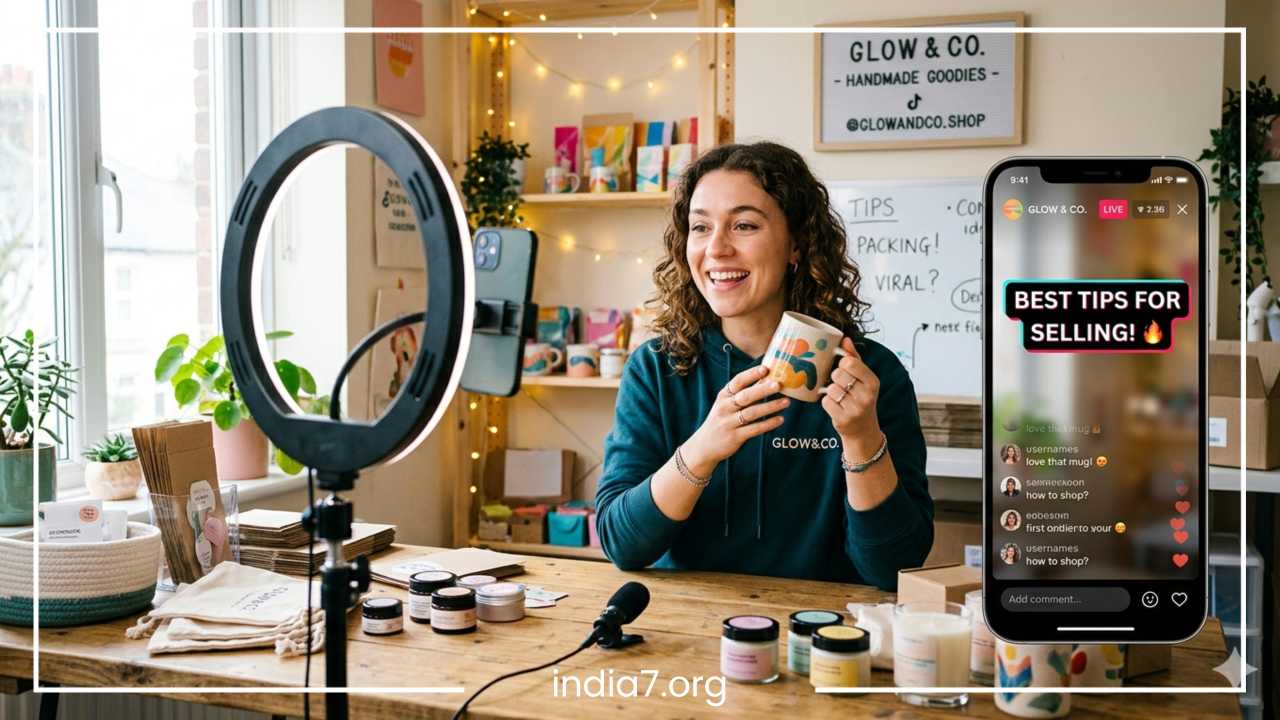
Your streaming background serves as a visual representation of your brand. Choose a clean, organized space free of household clutter, laundry piles, or distracting background movements. If you want to build strong brand recognition, place relevant items in the frame, such as your product packaging, brand logos, themed decorations, or neat shelves that reflect your niche.
Internet Connection
Live streaming consumes massive amounts of data and requires high upload speeds. A drop in connection can lag your stream or disconnect you entirely, hurting your standing with the algorithm. Connect to a stable, high-speed Wi-Fi network rather than relying on cellular data. Before going live, run a quick online speed test to ensure your upload speed is consistently above 10 Mbps. Ask others in your household to avoid downloading large files or streaming high-definition video while you are live.
Best TikTok LIVE Tips to Increase Viewer Engagement
Engagement is the metric that fuels the TikTok algorithm. The more your viewers comment, tap the screen to send likes, share the broadcast, and send gifts, the more aggressively TikTok will push your stream to new audiences.
1. Start With a Strong Opening
Do not sit in silence waiting for people to join. When the broadcast begins, start talking immediately. The algorithm takes time to funnel people into your room, but those who arrive first should not see an empty chair or a silent creator looking down at their phone. Start delivering your hook right away: state exactly who you are, what you are doing, and what value the viewer will receive if they stay. For example: “Welcome in everyone! Today we are breaking down the three biggest mistakes people make when editing videos, and I’ll be reviewing your profiles live.”
2. Interact With Viewers Constantly
A live stream should never feel like a television broadcast where the audience simply watches passively. You must weave interaction into the fabric of your presentation. Read comments out loud before answering them so the rest of the audience understands the context of what you are saying. Say hello to new viewers as their usernames pop up in the feed, and call out regular contributors by name to reward their loyalty.
3. Encourage Participation
Prompt your audience to take action through explicit, simple requests. Do not simply hope they interact; give them easy ways to do so. Use strategies like:
-
Polls: Ask their opinion on a specific topic and tell them to drop a 1 or a 2 in the chat to vote.
-
Challenges: Set a collective goal, such as “If we can hit 10,000 likes on the screen in the next two minutes, I will reveal the secret bonus tip.”
-
Requests: If you are a musician, artist, or gamer, let the chat select the next song, drawing style, or video game character you play.
4. Keep Energy High
Your energy level dictates the mood of the entire room. If you look bored, tired, or detached, your viewers will mirror that emotion and scroll away. Speak with enthusiasm, smile often, and project your voice clearly. Avoid long, awkward pauses. If you need to focus on a task, like drawing or setting up a product, narrate your internal thoughts out loud so the audio never goes dead.
5. Respond Quickly to Comments
The chat moves fast, and users have short attention spans. If a viewer types a genuine question and notices you ignoring the chat for minutes at a time, they will leave. Train your eyes to glance at the scrolling feed every few seconds. Even if you cannot answer every single comment, acknowledging a few every minute keeps the audience feeling valued and significantly improves viewer retention.
How to Get More People to Join Your TikTok LIVE
Attracting a massive audience requires an active promotional strategy that bridges the periods before, during, and after your actual stream.
Before Going Live
Do not rely entirely on the element of surprise. Build anticipation ahead of time using these proven techniques:
-
Establish a Schedule: Keep a consistent live streaming schedule and list these dates and times clearly in your TikTok bio.
-
Create Teaser Videos: Post a standard short-form TikTok video a few hours before you go live. In the video, explain the exciting topic you will cover and include a clear text overlay telling viewers to tune in. The algorithm often pushes this teaser video out while you are streaming, creating a direct funnel to your live broadcast.
-
Utilize Stories: Post a quick countdown sticker or behind-the-scenes preview on your TikTok Stories to catch users who are browsing updates.
During LIVE
Once you are on air, maximize your discovery potential. Craft a compelling, click-worthy live title that clearly describes the benefit of your stream. Avoid vague titles like “Chilling” or “Hey”; instead, use descriptive phrases like “Live Art Tutorial – Ask Me Anything.”
Take advantage of the co-hosting and guest features. By collaborating with another creator in your niche for a split-screen session, your stream appears to both of your audiences simultaneously, allowing you to instantly tap into a pre-vetted pool of new followers.
After LIVE
Your work does not end when the broadcast stops. Review your live recording to find the most high-energy moments, funniest jokes, or deepest insights. Crop these moments into short vertical videos and post them as regular TikToks. Add a caption like: “We talked about this in-depth during our last stream. Don’t miss the next one every Tuesday at 6 PM!” This repurposes your live effort into evergreen promotional material.
Best TikTok LIVE Content Ideas
If you are struggling to decide what to do during your stream, look to your specific role on the platform. Tailoring your content format to your identity ensures you attract the right target audience.
For Creators
-
Behind-the-Scenes Access: Show how you edit your videos, set up your camera gear, or conceptualize ideas.
-
Daily Routines: Stream your morning routine, your workspace organization, or your creative warm-up exercises.
-
Fan Q&A: Let your community direct the conversation by asking anything they want about your creative journey.
For Businesses
-
Product Launches: Introduce a brand-new item to the market, demonstrating its utility and offering an exclusive launch-day discount code to viewers.
-
Live Shopping Operations: Walk through your inventory, talk about fabric types or build quality, and pin product links directly to the screen so viewers can purchase items seamlessly without leaving the app.
-
Customer Support Chats: Address common troubleshooting issues, explain return policies, and build deep consumer trust by showing the faces behind the brand.
For Influencers
-
Live Interviews: Bring on guest experts, fellow influencers, or fascinating personalities for a casual, deep-dive talk show format.
-
Product Reviews and Unboxings: Open packages from brands in real time, giving your completely honest, unfiltered first impressions of the items.
For Beginners
-
Introduction Streams: Keep things low-pressure by simply introducing who you are, sharing your goals for your account, and asking viewers where they are tuning in from.
-
Learning Journeys: If you are learning a new language, instrument, or skill, invite people to watch you practice. Audiences love rooting for an underdog who is willing to show their initial mistakes.
How to Use TikTok LIVE Features Effectively
To maximize your performance, you must understand how to leverage the specialized tools built directly into the TikTok interface.
TikTok LIVE Gifts
Virtual gifts are a key monetization tool on the platform. Viewers purchase TikTok coins and use them to buy digital icons that pop up dramatically on your screen during a broadcast. These gifts translate into “Diamonds” for the creator, which can be cashed out.
The secret to receiving gifts is to avoid begging for them. Demanding money creates a transactional, uncomfortable atmosphere. Instead, focus entirely on delivering immense value, entertainment, and authentic connection. When a viewer does send a gift, pause for a moment to give them an enthusiastic shout-out. Creating custom milestones, such as doing a funny dance or writing a user’s name on a board when a specific gift is sent, turns giving into a fun, community-wide game.
Moderators
As your audience grows, your chat will speed up, and you may encounter occasional spammers, trolls, or inappropriate comments. Trying to create content while filtering out bad actors is stressful. Assign trusted followers, friends, or team members as moderators. Give them clear parameters on your community standard. They can instantly mute disruptive users, block offensive words, and keep the chat safe, allowing you to stay fully focused on engaging your viewers.
Co-Hosts
The co-hosting feature is an incredible growth accelerator. When you invite another creator to share your screen, you bridge two distinct communities. Plan these sessions with creators who share a similar target demographic but offer a complementary skill set. For example, a fitness coach and a nutritionist hosting a joint stream creates immense, comprehensive value for health-conscious viewers.
Q&A Feature
Enable the official Q&A module in your creator settings before going live. When viewers use this designated button to ask questions, the inquiries go into a structured repository rather than getting lost in the rapid main chat. You can browse this list at your own pace, select a highly relevant question, and display it as an overlay on the video feed so everyone knows exactly what topic you are addressing.
Common TikTok LIVE Mistakes to Avoid
Even seasoned creators fall into bad habits that stunt their stream growth. Recognizing these pitfalls allows you to adjust your approach and keep your audience numbers climbing.
-
Going Live Without Preparation: Hopping on the app with no clear goal leads to long silences and rapid viewer departure. The Fix: Spend ten minutes before every broadcast writing down three core talking points on a sticky note placed near your camera.
-
Ignoring the Comments Section: Treating the stream like a monologue turns it into a one-way lecture. The Fix: Set a rule to read at least two comments aloud every single minute, ensuring the audience feels included.
-
Poor Lighting and Muffled Audio: Hard-to-see video and scratchy sound create a frustrating user experience. The Fix: Test your audio using a pair of headphones before broadcasting, and ensure your primary light source is placed in front of your face, never behind you.
-
Streaming at Completely Random Times: If your community never knows when you will be online, they cannot plan to tune in. The Fix: Choose two fixed days a week to go live, and stick to those exact times for at least a month to build a predictable habit for your audience.
-
Ending the Stream Too Quickly: The TikTok algorithm takes time to index your broadcast and distribute it to users’ feeds. If you turn off the camera after ten minutes, you miss out on the organic traffic wave. The Fix: Aim to stay live for a minimum of 30 to 60 minutes per session to allow the algorithm adequate time to find your target audience.
-
Violating Community Guidelines: Using banned language, playing copyrighted music without authorization, displaying dangerous actions, or showing extreme negativity can lead to an instant ban. The Fix: Read the TikTok Community Guidelines thoroughly and maintain a safe, positive, and clean streaming environment at all times.
Best Time to Go Live on TikTok
There is no universal, perfect hour that works for every single account worldwide. The absolute best time to go live depends heavily on the unique behavior patterns, geographic locations, and daily schedules of your specific followers.
To find your optimal window, navigate directly to your Creator Tools and open your TikTok Analytics panel. Study the Follower tab closely to view the specific hours and days when your audience is most active on the app. If your analytics show a massive spike in user activity at 7 PM on Thursdays, that is your cue to schedule your broadcast for 6:45 PM, allowing you to capture users the moment they log on.
Consider global time zones as well. If you live in London but a massive percentage of your core audience resides in New York, you must adjust your local broadcast schedule to align with their evening leisure hours. Additionally, match your stream timing to the nature of your content. An intensive business tutorial works beautifully during lunch breaks or early evenings, while a relaxed, ambient acoustic music session thrives late at night. Test several distinct time slots over a two-week period, track your peak concurrent viewer numbers, and build your permanent schedule around the clear winner.
How to Grow Your TikTok LIVE Audience Over Time
Building a massive, loyal live streaming audience is a marathon, not a sprint. Short-term tricks will not replace the power of long-term consistency and strategic brand building.
Commit to a predictable routine. Treat your live stream like a premium television show; if your fans know you go live every single Sunday evening without fail, they will naturally integrate your broadcast into their weekly schedules. Over time, cultivate a distinct, recognizable format. This could mean using a signature greeting, wearing a specific style of clothing, setting up a highly unique neon backdrop, or structured segments that become your brand’s unique signature.
Regularly audit your performance data. After wrapping up a stream, look over your live analytics to review your total views, unique viewers, average watch time, and new follower acquisition. Identify the exact moments when your concurrent viewer count spiked, and figure out what you were doing or saying at that exact moment to replicate that success in future broadcasts. Conversely, analyze the moments where watch time dropped to understand what content formats failed to resonate.
Continuously network with other creators. Actively participate as a viewer in other creators’ live streams within your niche, leaving thoughtful comments and sending friendly gifts. Building genuine peer relationships opens the door for future co-hosting collaborations, allowing both of you to cross-pollinate your audiences and grow together sustainably.
How Businesses Can Use TikTok LIVE for Marketing
For modern brands, live streaming offers a direct, low-cost channel to humanize your business, demonstrate value, and drive immediate commercial conversions.
Live commerce, often referred to as shoppable live streams, has completely transformed retail marketing. By utilizing TikTok Shop integration, businesses can pin product cards directly to the bottom of the live screen. As you hold up an item, explain its features, and demonstrate its real-world use, viewers can simply tap the product link, select their size, and purchase the item instantly without ever having to close the live stream window. This frictionless shopping experience dramatically increases conversion rates.
| Business Goal | Live Streaming Strategy | Key Metric to Track |
| Humanize the Brand | Host casual behind-the-scenes office tours and employee spotlights. | Comments and Sentiment |
| Educate Consumers | Run step-by-step tutorials showing how to solve common problems using your product. | Average Watch Time |
| Drive Immediate Revenue | Host exclusive live shopping events with time-limited promotional discount codes. | Product Clicks and Sales |
| Launch New Products | Build massive hype via live countdowns, live unboxings, and feature reveals. | Shares and Viewer Peaks |
Beyond direct sales, live streams allow businesses to conduct real-time focus groups. You can ask your audience what colors they prefer for an upcoming product line, gather immediate feedback on a recent service update, and answer customer support questions openly. This transparent approach builds an incredibly loyal community that views your business as an authentic, responsive partner rather than a detached corporation.
Final Checklist Before Going Live on TikTok
Before you tap the final button to broadcast, run through this comprehensive pre-flight checklist to ensure everything runs perfectly:
-
Topic and Outline Planned: Do you have your sticky note with core talking points placed right next to your camera lens?
-
Lighting Optimized: Is your primary light source illuminating your face clearly from the front without harsh shadows?
-
Audio Quality Verified: Have you turned off all background noise sources and verified your microphone connection?
-
Internet Stability Confirmed: Have you run a speed test and verified your Wi-Fi upload speed is stable?
-
Engaging Title Written: Is your stream title highly descriptive, benefit-driven, and enticing to scrolling users?
-
Interactive Prompts Ready: Have you prepared two or three specific questions or polls to pitch to the chat?
-
Moderators Assigned: Are your trusted moderators online and fully briefed on your comment moderation standards?
-
Pre-Stream Promotion Completed: Have you posted a teaser video or shared a countdown announcement on your Stories?
Final Thoughts
Mastering TikTok LIVE is one of the most transformative steps you can take for your digital presence. At its core, live streaming is not about giving a rigid, one-way broadcast; it is about fostering deep, authentic human connection in real time. The creators and businesses that achieve the highest levels of success are not necessarily those with the most expensive studio equipment, but those who show up consistently, interact warmly with every single viewer, and deliver genuine value.
Building a vibrant, highly engaged audience requires patience, experimentation, and structural preparation. Do not get discouraged if your first few streams attract only a handful of concurrent viewers. Every large creator started exactly where you are now. Use the tips, structures, and strategies outlined in this guide to continuously refine your approach. Focus on the community members who do show up, keep your energy high, and step out in front of the camera with confidence. By treating every broadcast as an opportunity to build meaningful relationships rather than just seeking vanity metrics, you turn casual viewers into loyal advocates. Remember, TikTok is a platform fueled by authenticity; when you lean into your unique personality and provide a welcoming, interactive space, the algorithm will reward your consistency. Your journey toward a thriving live community begins with that very first step—embrace the process, learn from every session, and watch as your digital presence transforms from a simple profile into a dynamic, living conversation.
Frequently Asked Questions (FAQ)
How many followers do you need to go live on TikTok?
To unlock the TikTok LIVE feature natively, the platform’s standard requirement is that you must have a minimum of 1,000 followers and be at least 18 years old. However, regional thresholds can sometimes vary slightly.
How to go live on TikTok without 1000 followers?
If you don’t have 1,000 followers, you can request access by filing a support ticket. Go to your settings, tap “Report a Problem,” select “I can’t start a LIVE,” and submit feedback stating that your audience is asking for live streams. TikTok will often review and unlock the feature for your account within 24 to 72 hours.
Why can’t I go live on TikTok even though I have 1000 followers?
If you meet the follower count but still can’t stream, it is usually due to age restrictions or account status. You must be 18 or older to broadcast. Alternatively, check if your account has any active community guideline violations or temporary streaming bans.
What is the best time to go live on TikTok to get more viewers?
The best time to go live depends heavily on your specific audience’s time zone. Generally, weekday evenings between 7:00 PM and 10:00 PM and weekend afternoons yield the highest organic engagement, as users are off work or school and browsing their feeds.
How do you make money from TikTok live streams?
Creators can monetize their live streams primarily through LIVE Gifts and Virtual Diamonds sent by viewers in real-time, which can later be converted into real currency. You can also drive revenue by pinning product links via TikTok Shop or hosting sponsored live segments for brands.