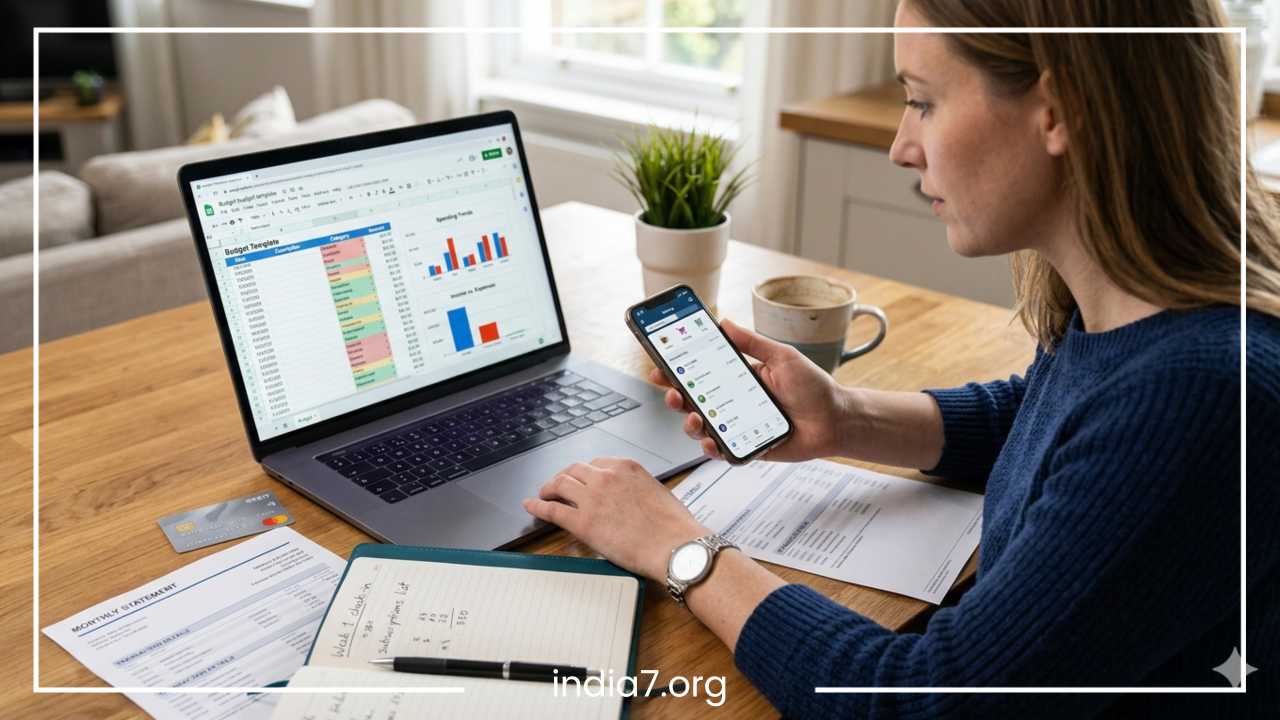
Best Online Bill Pay Services
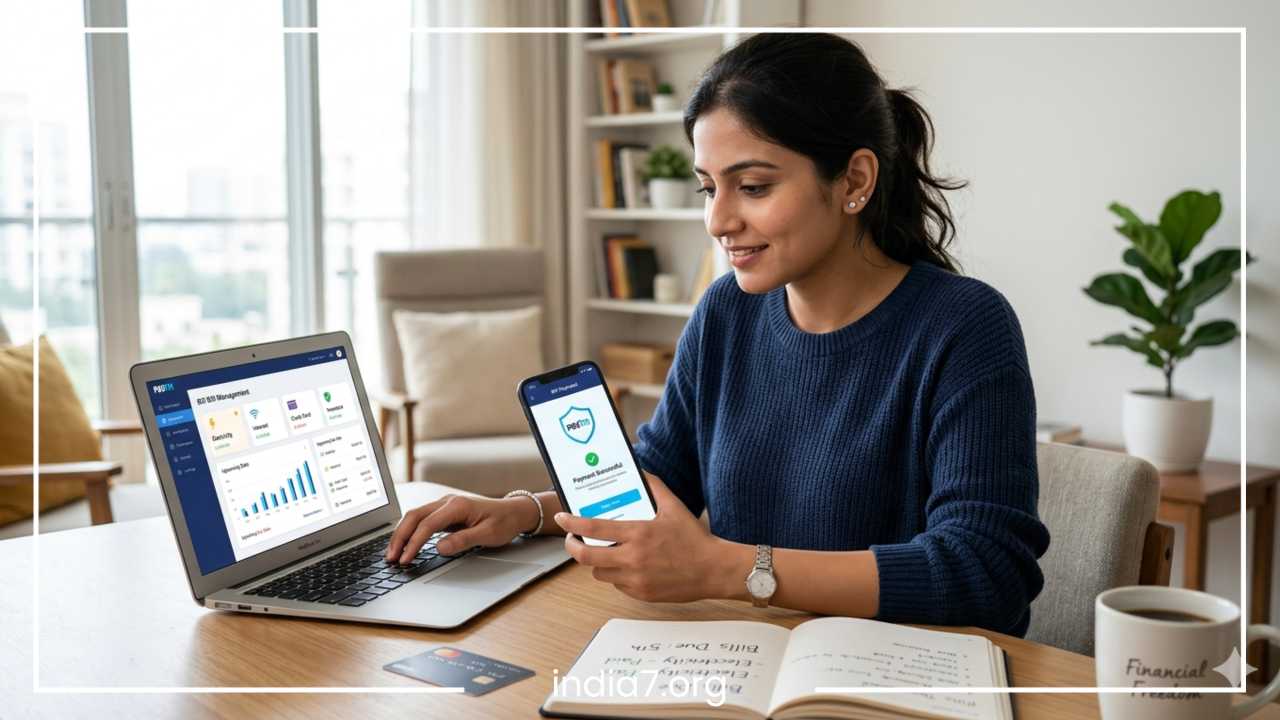
Best Online Bill Pay Services: Top Platforms for Easy & Secure Payments
Managing your monthly finances can often feel like a full-time job. Between electricity, internet, rent, and insurance, the sheer volume of due dates is enough to overwhelm even the most organized person. However, the digital revolution has introduced a powerful ally: online bill pay services. These platforms are no longer just a luxury for the tech-savvy; they have become essential tools for anyone looking to streamline their financial life, ensure security, and eliminate the stress of manual tracking.
In this comprehensive guide, we will explore the best online bill pay services available today. We will break down how these platforms function, the massive benefits they offer—from avoiding late fees to enhancing security—and provide a detailed comparison of the top players like PayPal, Google Pay, and PhonePe. Whether you are a busy professional or a small business owner, understanding these services is the first step toward achieving total financial peace of mind.
Read: Finding the Right Mortgage for You
What Are Online Bill Pay Services?
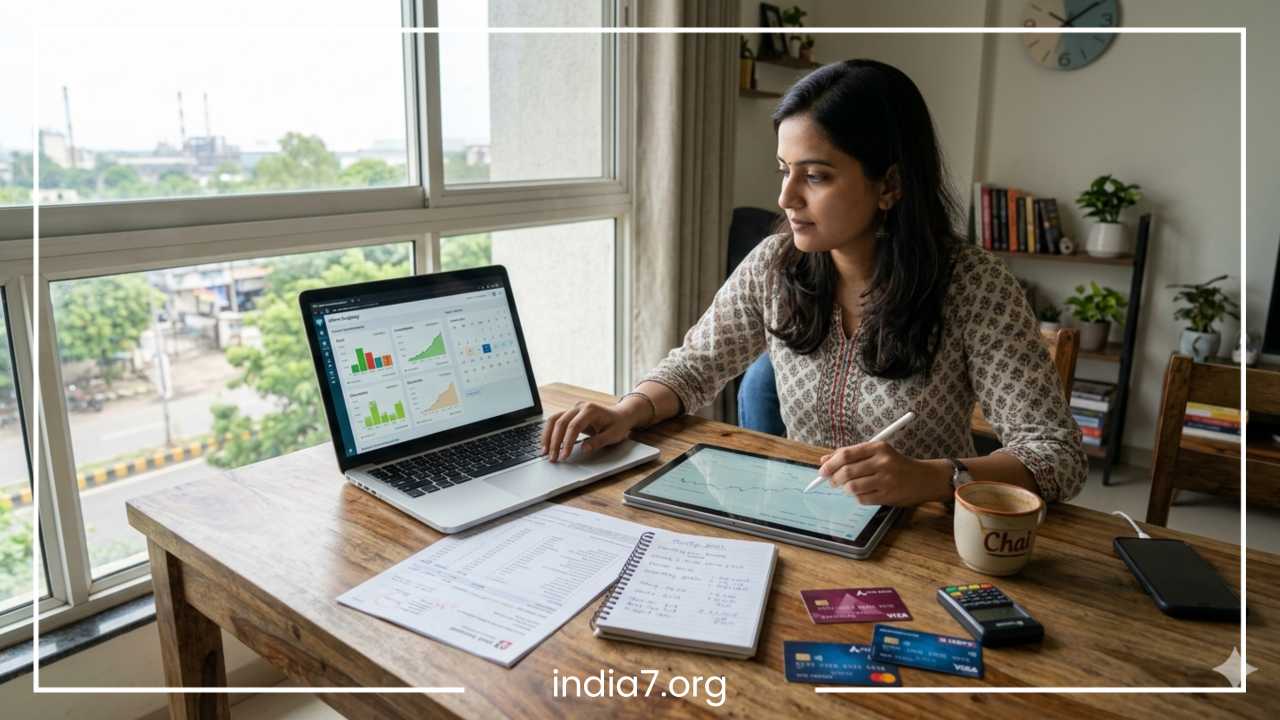
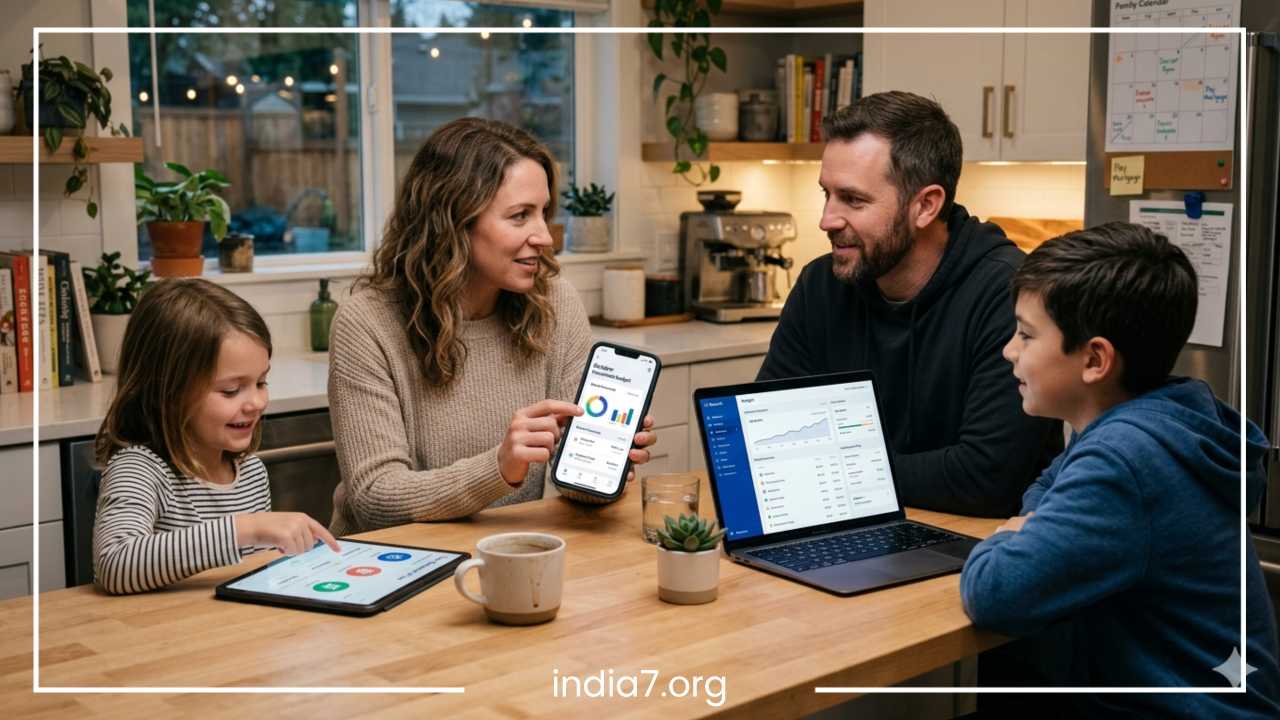
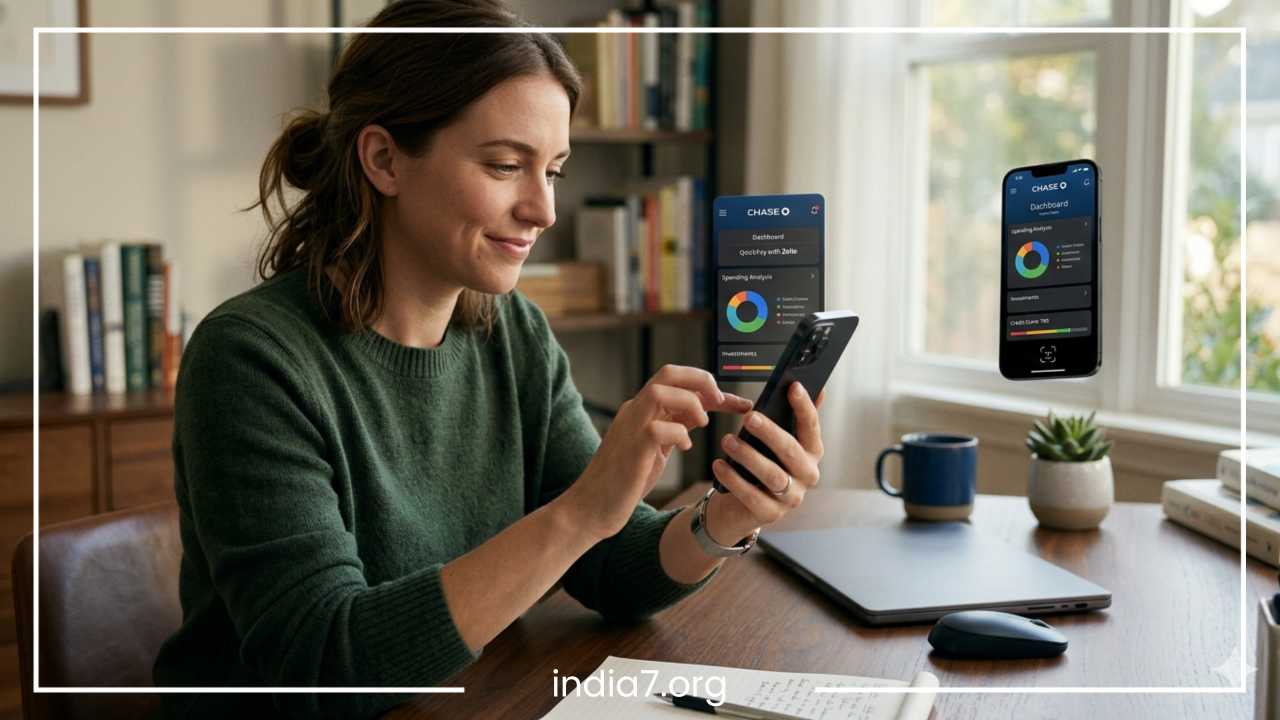
At its core, an online bill pay service is a digital interface that allows you to send money to creditors, utility companies, or individuals without writing a physical check or visiting a storefront. These services act as a centralized hub where you can view, schedule, and execute payments from a single dashboard.
There are generally two main types of online bill pay systems:
-
Bank-Based Bill Pay: Most modern banks offer a “Bill Pay” tab within their mobile app or website. This service allows you to use your checking account funds to pay almost any company or person. If the recipient doesn’t accept digital transfers, the bank often prints and mails a physical check on your behalf at no extra cost.
-
Third-Party Apps & Digital Wallets: These are independent platforms like PayPal, Amazon Pay, or specialized bill-tracking apps like Prism. They often offer a more user-friendly interface and can link to multiple funding sources, including credit cards and various bank accounts.
Beyond just moving money, these platforms offer automation and organization. They allow you to see all your liabilities in one place, set up recurring payments, and receive notifications before a bill is due, effectively turning your smartphone into a personal financial assistant.
Read: Your Credit Score Rates You
How Online Bill Pay Services Work
The process of transitioning to online payments is surprisingly straightforward. While each app has its own design, the underlying mechanism follows a standard path:
Step 1: Add Your Billers
You start by searching for the company you need to pay (e.g., your electric company or mobile carrier). You will typically need your account number and the billing ZIP code found on your latest statement. For individuals, you might just need their phone number or email address.
Step 2: Link Funding Sources
You must tell the service where the money is coming from. Most users link a checking account via a routing and account number. However, many third-party apps also allow you to link debit cards, credit cards, or UPI (Unified Payments Interface) IDs for instant transfers.
Step 3: Schedule the Payment
You decide when the money leaves your account. You can choose:
-
One-time payments: Perfect for irregular bills or manual control.
-
Automatic payments: The system pays the bill the moment it is issued or a set number of days before the due date.
Processing Times
It is important to understand that not all payments are “instant.” While a UPI transfer or a digital wallet-to-wallet payment happens in seconds, an ACH transfer (bank-to-bank) usually takes 1 to 3 business days. If your bank has to mail a physical check, it could take 5 to 7 days. Most platforms will show you the “estimated arrival date” to help you avoid missing deadlines.
Read: Getting a Business Credit Card? Better Read The “Mouse Print” Rules!
Benefits of Using Online Bill Pay Services
The shift away from paper checks and cash isn’t just about following a trend; it offers tangible improvements to your quality of life.
-
Unmatched Convenience: The most obvious benefit is time. You can pay ten different bills in under five minutes from your couch, rather than logging into ten different websites or driving to various payment centers.
-
Eliminating Late Fees: Human error is the primary cause of late fees. By setting up auto-pay or receiving push notifications, you ensure that you never “forget” a bill again. Over a year, this can save hundreds of dollars.
-
Centralized Financial Tracking: When you use one platform for all payments, you get a clear bird’s-eye view of your spending. Most services provide monthly summaries, helping you identify if your utility costs are spiking or if you’re spending too much on subscriptions.
-
Enhanced Security: Sending a check through the mail carries risks; it can be lost, stolen, or “washed” to change the amount. Online services use high-level encryption and multi-factor authentication (2FA) to ensure that only you can authorize a transaction.
-
Eco-Friendly Impact: Transitioning to “e-bills” significantly reduces paper waste. If millions of households stop receiving paper statements and mailing envelopes, the environmental impact is substantial.
Key Features to Look For
Not all bill pay services are created equal. When choosing a platform, look for these “must-have” features:
Advanced Security
The service should offer end-to-end encryption and 2FA. Biometric logins (fingerprint or face ID) are also excellent for mobile security.
User Interface (UI)
A cluttered app makes it easy to make mistakes. Look for a clean design where the “Pay” button and “Due Date” are clearly visible.
Payment Flexibility
The best apps don’t lock you into one method. They should allow you to switch between bank accounts, credit cards, and digital wallets easily. For users in specific regions like India, UPI integration is a non-negotiable requirement.
Smart Alerts
Standard reminders are good, but “smart” alerts are better. Some apps will notify you if a bill is significantly higher than usual, helping you catch billing errors or leaks (like a running toilet or an electricity surge) before the money leaves your account.
Integration with Budgeting Tools
If you use apps like Mint or YNAB, a bill pay service that can export data to these tools will make your financial planning much smoother.
Best Online Bill Pay Services
Selecting the right platform depends on your location and your specific needs. Here is a breakdown of the top global and regional contenders.
PayPal
PayPal is the titan of the digital payment world. While known for e-commerce, its bill pay feature is robust.
-
Overview: A global platform that allows you to pay thousands of billers directly.
-
Key Features: “Pay in 4” (short-term installment plans), buyer protection, and an extensive list of supported utility companies.
-
Pros: Highly secure; accepted almost everywhere; excellent mobile app.
-
Cons: Can have higher fees for certain credit card transactions; customer service can be slow.
-
Best For: Users who already shop online and want a familiar, secure interface.
Google Pay / Apple Pay
These services turn your smartphone into a universal remote for your money.
-
Overview: Native mobile wallets that integrate deeply with your phone’s OS.
-
Key Features: NFC (Tap-to-Pay) for physical bills, biometric security, and integration with transit systems.
-
Pros: Lightning-fast; no need to enter card details repeatedly; extremely secure tokenization.
-
Cons: Limited “biller-direct” features compared to dedicated bill-pay apps.
-
Best For: Everyday quick payments and users who value speed.
Paytm
A powerhouse in the Indian market, Paytm has evolved into a full-scale financial ecosystem.
-
Overview: A comprehensive app that covers everything from electricity bills to apartment maintenance.
-
Key Features: Paytm Wallet, UPI, “Postpaid” (buy now, pay later), and deep integration with local Indian services.
-
Pros: Supports almost every Indian utility; offers frequent cashback and rewards.
-
Cons: The app can feel cluttered due to the sheer number of features.
-
Best For: Indian users who want a “one-stop-shop” for all local payments.
PhonePe
Competing closely with Paytm, PhonePe focuses on a “UPI-first” experience.
-
Overview: A clean, efficient app designed for high-speed transfers.
-
Key Features: Excellent reminder system, insurance bill payments, and tax-saving investment options.
-
Pros: Very high transaction success rate; simple, intuitive UI.
-
Cons: Fewer “ecosystem” services compared to Paytm.
-
Best For: Users who want a reliable, no-nonsense bill payment experience in India.
Amazon Pay
Leveraging the massive Amazon user base, this service offers a seamless transition from shopping to bill paying.
-
Overview: Integrated into the Amazon app, making it incredibly accessible.
-
Key Features: “One-click” bill payments, rewards in the form of Amazon Pay Balance, and Alexa voice integration.
-
Pros: Convenience for existing Amazon users; reliable security.
-
Cons: Limited international utility support compared to PayPal.
-
Best For: Loyal Amazon shoppers.
Prism (Bill Tracking App)
Prism is unique because it is a dedicated bill management tool rather than just a payment gateway.
-
Overview: It pulls all your bills into one calendar view.
-
Key Features: Real-time balance updates, manual and auto-pay, and a dedicated “Bill Calendar.”
-
Pros: Incredible organization; shows you exactly how much money you have left after bills.
-
Cons: Does not support every single small biller; phone-only (no web version).
-
Best For: People who struggle with organization and want a visual representation of their due dates.
Comparison Table
| Service Name | Primary Fees | Supported Payments | Automation | Best For |
| PayPal | Free (for most) | Bank, Credit/Debit | Yes | Global security |
| Google Pay | Free | UPI, Cards | Partial | Speed & simplicity |
| Paytm | Free / Small Platform Fee | Wallet, UPI, Cards | Yes | All-in-one Indian ecosystem |
| PhonePe | Free / Small Platform Fee | UPI, Cards | Yes | Reliability in India |
| Amazon Pay | Free | Bank, UPI, Rewards | Yes | Frequent Amazon users |
| Prism | Free | Bank, Cards | Yes | Total bill organization |
| Bank Bill Pay | Usually Free | Checking Account | Full | Direct-from-source security |
Online Bill Pay vs. Traditional Methods
Is digital always better? Let’s compare.
-
Online vs. Cash: Cash requires physical presence and offers no “paper trail” if a dispute arises. Online payments provide a permanent digital receipt and can be done from anywhere.
-
Online vs. Checks: Checks are slow and susceptible to fraud. A check can sit in a mailbox for days, whereas an online payment is logged instantly. Furthermore, you save the cost of stamps and envelopes.
-
Reliability: While technology can occasionally have “downtime,” the speed and confirmation codes provided by digital services make them far more reliable for meeting strict deadlines than the postal service.
Are Online Bill Pay Services Safe?
Security is the number one concern for new users. Most reputable services use bank-grade encryption, meaning your data is scrambled into unreadable code during transmission.
How They Protect You:
-
Tokenization: When you pay with a card, the app sends a “token” (a random string of numbers) instead of your actual card number. Even if a hacker intercepts the token, it’s useless to them.
-
Fraud Detection: AI-driven systems monitor your account. If you suddenly try to pay a $5,000 bill from a new city, the app will likely freeze the transaction and ask for verification.
Tips to Stay Safe:
-
Use 2FA: Always enable two-factor authentication. This requires a code from your phone to log in.
-
Avoid Public Wi-Fi: Never pay bills while connected to a coffee shop or airport Wi-Fi. Use your cellular data or a VPN.
-
Check Confirmations: Always wait for the “Payment Successful” screen and keep a screenshot or email confirmation until the biller acknowledges receipt.
Tips to Choose the Right Service
Don’t just pick the first app you see. Consider these factors:
-
Location Matters: If you are in India, PhonePe or Paytm are essential. If you are in the US or Europe, PayPal or your bank’s native app might be better.
-
Check the Biller List: Before committing, search the app to see if your specific electricity or water provider is supported.
-
Evaluate Fees: Most services are free for standard bank transfers, but some charge a 2% to 3% “convenience fee” if you use a credit card. Read the fine print.
Common Mistakes to Avoid
Even with automation, things can go wrong. Avoid these pitfalls:
-
Set-and-Forget Ignorance: Even if you use auto-pay, check your account once a month. If a credit card expires, the payment will fail, and you’ll be hit with a late fee.
-
Wrong Account Numbers: Double-check the digits when adding a new biller. A single typo can send your money to someone else’s account, and recovering it can be a nightmare.
-
Ignoring Transaction Limits: Some apps have daily or monthly limits. If your rent is particularly high, ensure your chosen platform can handle the amount in a single transaction.
Future of Online Bill Payments
The landscape of digital finance is moving toward Hyper-Automation. We are seeing the rise of:
-
AI Financial Assistants: Systems that predict when you’ll be short on cash and suggest moving a payment date.
-
Voice Payments: “Alexa, pay my water bill” is already a reality for many.
-
Smart Home Integration: Imagine your smart meter automatically triggering a payment to the utility company based on real-time usage.
FAQs
Are online bill pay services free?
Most are free for standard transfers from a bank account. However, paying with a credit card often incurs a small percentage-based fee.
Can I pay all bills through one platform?
Most large utilities and credit card companies are supported on major platforms. For smaller “mom-and-pop” billers (like a local gardener), you may need to use a bank-based service that can mail a check.
What happens if a payment fails?
You will usually receive a notification. The most common reasons are insufficient funds or an expired card. You should contact the biller immediately to explain and make a manual payment to avoid penalties.
Can I cancel a scheduled payment?
Yes, most services allow you to cancel or edit a payment up until the “processing date,” which is usually 24–48 hours before the arrival date.
Final Thoughts
The transition to online bill pay services is one of the easiest ways to reclaim your time and secure your financial future. By centralizing your obligations into a single, encrypted platform, you eliminate the “mental load” of remembering dates and the physical hassle of checks and cash.
Whether you choose the simplicity of Google Pay, the comprehensive features of Paytm, or the organizational power of Prism, the key is to start small. Link one or two recurring bills today, and you’ll quickly see how much easier life becomes when your finances are on autopilot.